
AI Photo Restoration
Repair scratched, faded, blurry old family photos. AI removes damage, sharpens faces, restores colors. Free preview. Better than Remini for low-res faces.
What can you create with AI Photo Restoration?
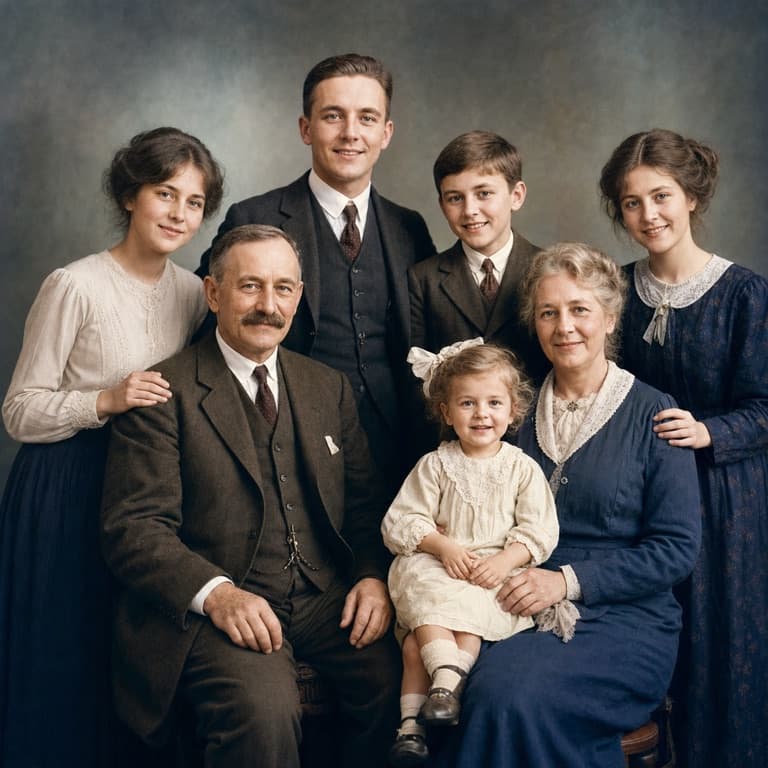
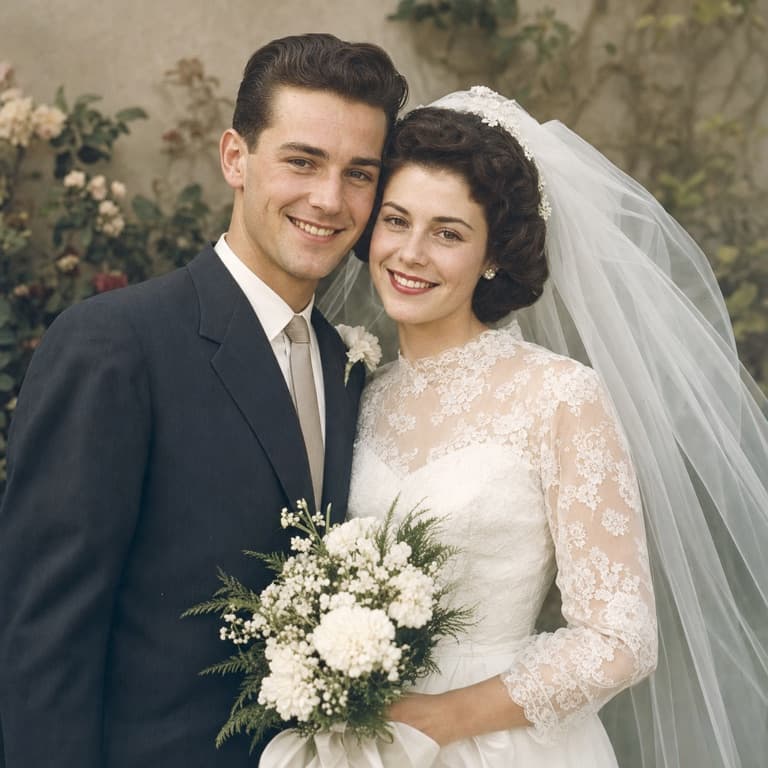

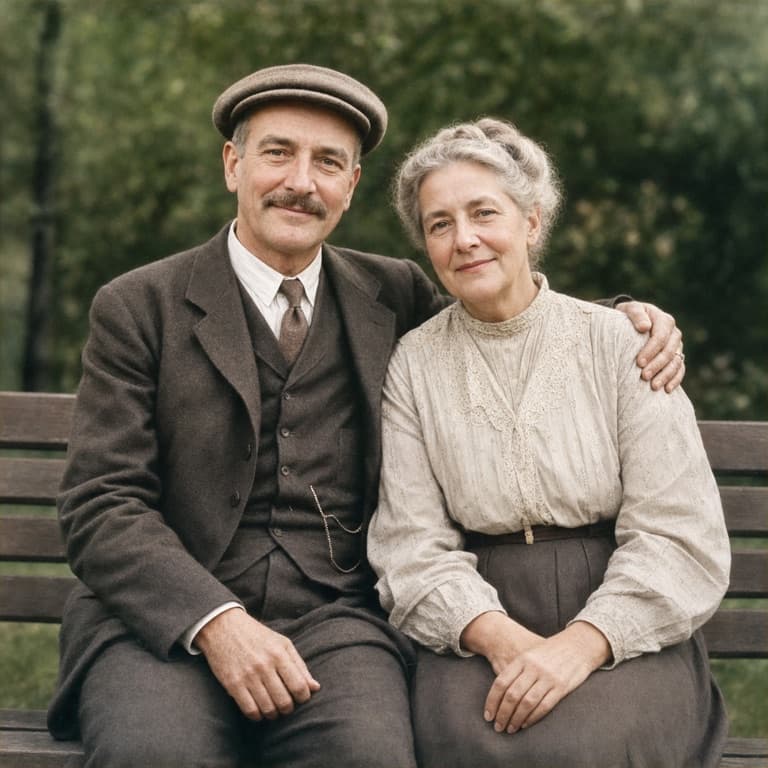
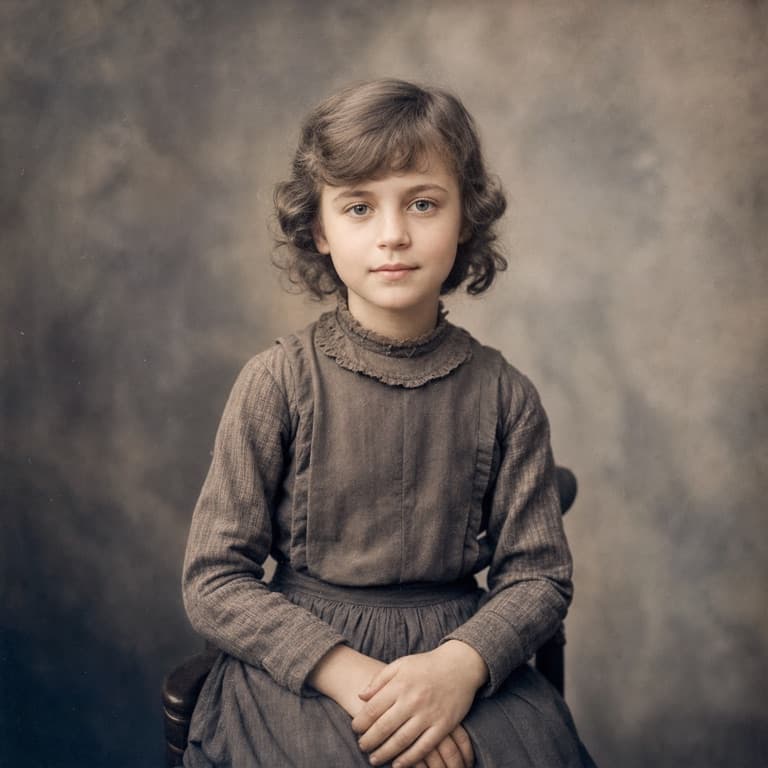
AI photo restoration online free
SoonMaker's photo restoration repairs scratches, fades, water damage, and tears from old prints in one click. The AI specializes in old-photo damage patterns: silver halide degradation, paper yellowing, surface scratches, and the specific failures of pre-1990 film. Upload a scanned photo and get a restored version in seconds.
Restore old family photos AI
Family photos from the 80s and earlier are quietly dying in storage boxes. Color photos fade and shift; B&W prints develop surface damage. SoonMaker restores both in seconds. Many users discover photos they thought were beyond saving — old wedding albums, deceased relatives' portraits — and recover them well enough for prints to give as gifts.
Repair scratched faded photos AI
Remini popularized AI photo enhancement but skews aggressive — over-sharpens features, smoothes natural textures into uncanny valley. SoonMaker's restoration model is calibrated more conservatively: it removes damage, sharpens detail, restores faded colors, but doesn't fundamentally rebuild faces. The outputs feel authentic rather than digitally idealized.
How to use AI Photo Restoration
- 1Sign in (free)
Create a SoonMaker account in one click with Google. You'll get free credits immediately — no card required.
- 2Upload a clear face photo
Front-facing, well-lit portraits work best. The more clearly the face is visible, the more natural the result looks.
- 3Generate and download
Run AI Photo Restoration and download the result. Try a second photo if you want to compare different angles or lighting.