
AI Bald Filter
Try the bald look risk-free. AI removes hair naturally, preserves face shape and shadows. Trending filter, free preview, no sign up.
 Try Bald MeUpload a photo — ready in seconds
What can you create with AI Bald Filter?
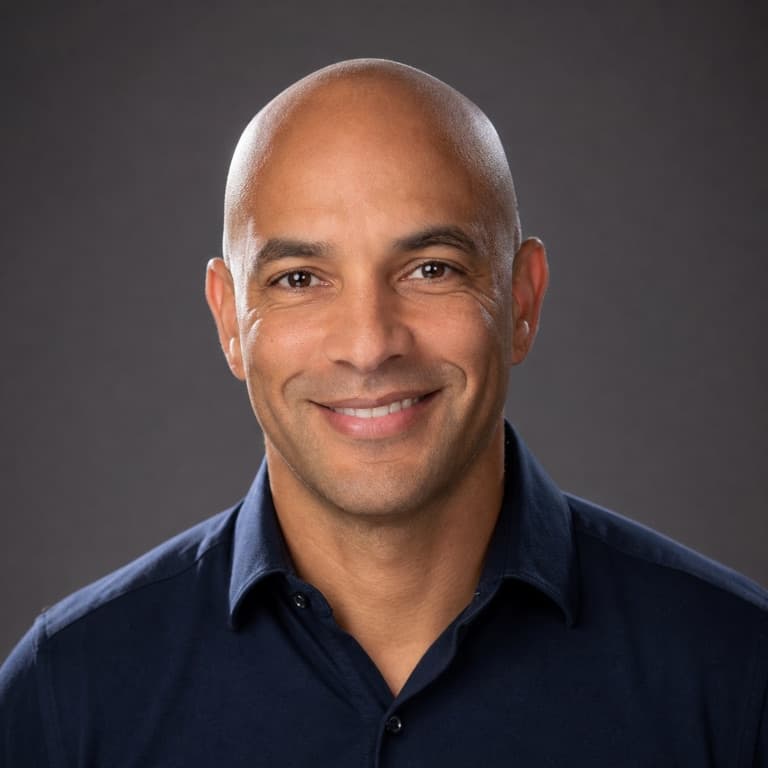
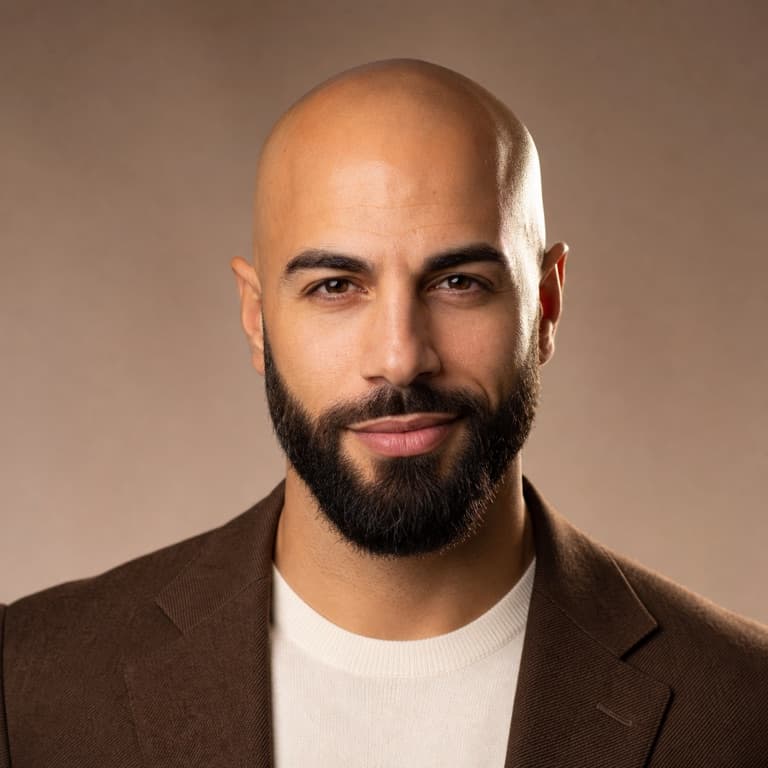
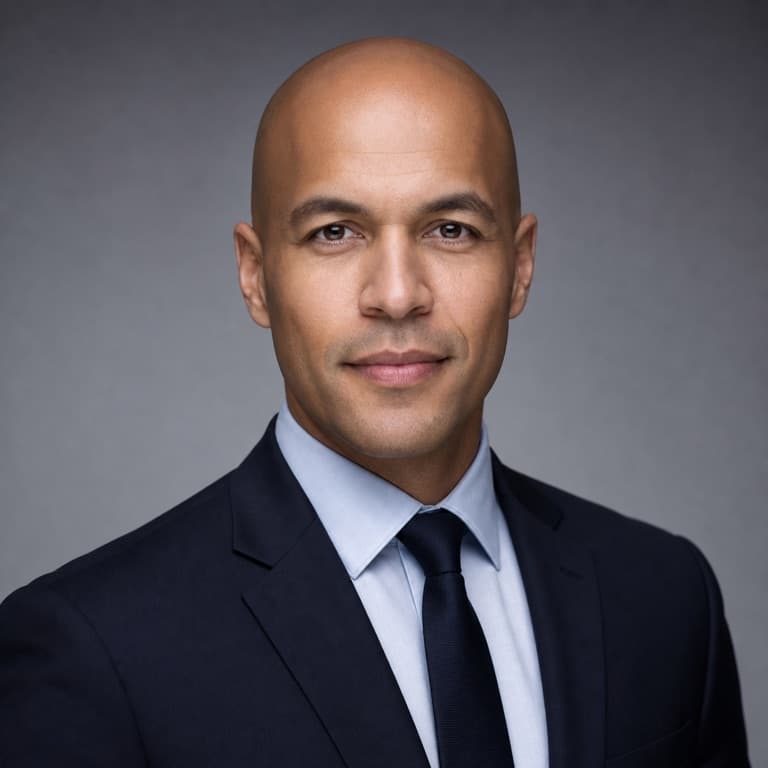


AI bald filter from photo
SoonMaker's bald filter realistically removes hair from any photo: scalp shading appropriate to your skin tone, natural hairline transition, preserved face shape and shadows. Use as a preview before actually shaving your head — many men go bald by choice and want to see the result first.
See yourself bald AI free
The bald filter went viral because results were genuinely realistic — you could plausibly mistake the output for a real bald photo of the subject. SoonMaker's version maintains this realism: scalp coloring matches face skin tone, head shape is preserved (not flattened), and remaining stubble density (if any) is age-appropriate.
Bald look preview before shaving
Going bald is a major personal decision. Most men who consider it want to see the look first. SoonMaker lets you preview both fully bald and various stubble lengths (clean shave, 3-day stubble, light fade, faded sides + bald top). Cheaper than buying a buzzer and committing without knowing how you'll look.
How to use AI Bald Filter
- 1Sign in (free)
Create a SoonMaker account in one click with Google. You'll get free credits immediately — no card required.
- 2Upload a clear face photo
Front-facing, well-lit portraits work best. The more clearly the face is visible, the more natural the result looks.
- 3Generate and download
Run AI Bald Filter and download the result. Try a second photo if you want to compare different angles or lighting.