
AI Skinny Filter
See yourself slimmer with AI. Natural body slimming, realistic proportions, no awkward distortion. Free preview, no watermark.
What can you create with AI Skinny Filter?

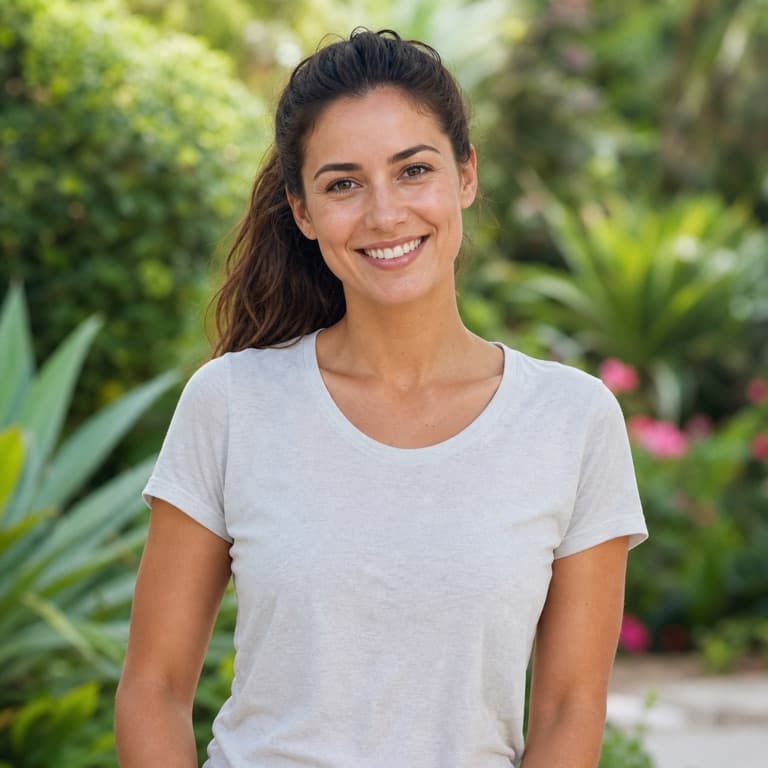
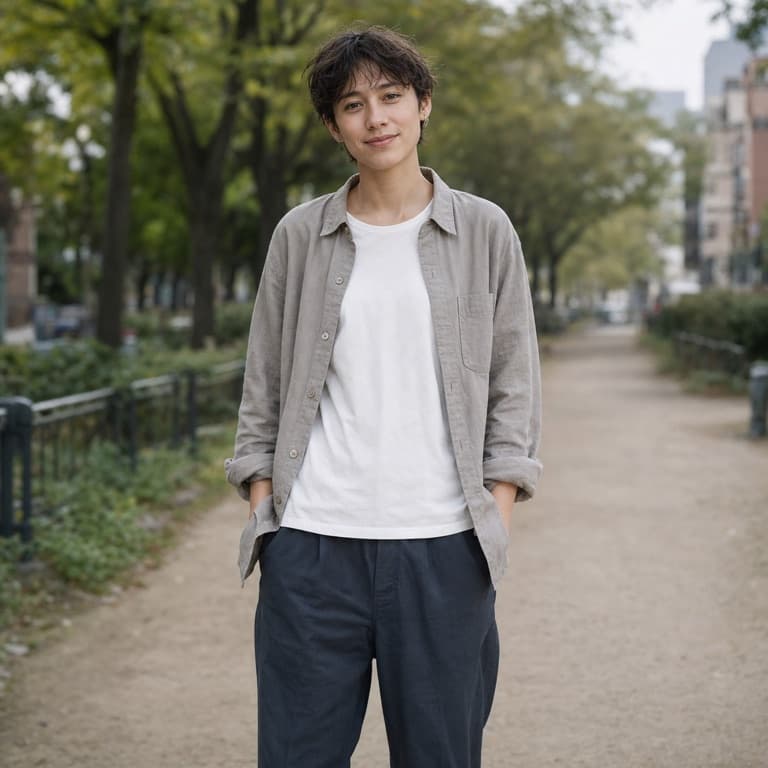
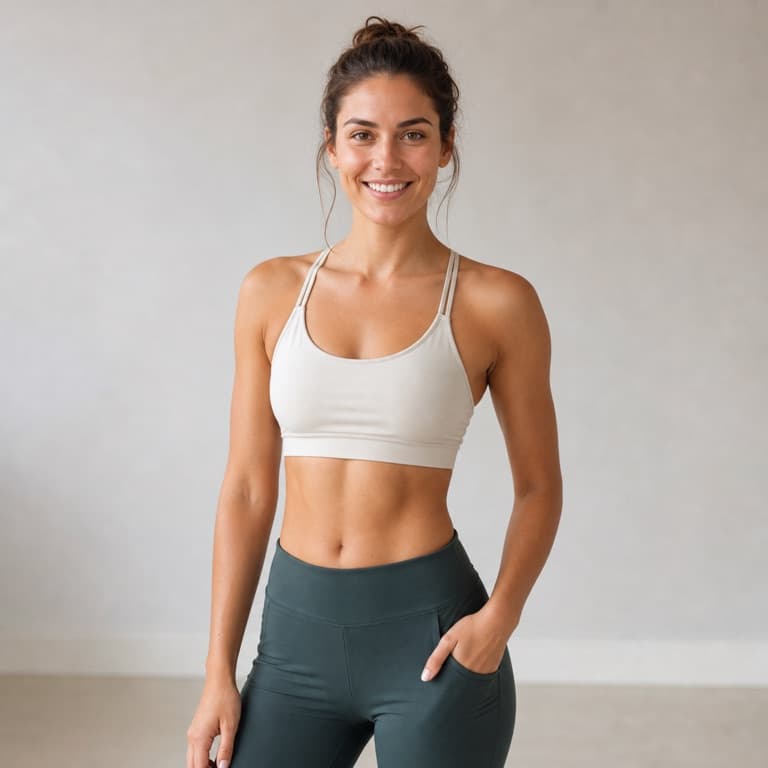

AI skinny filter from photo
SoonMaker's skinny filter slims body proportions naturally: narrower waist, lengthened body proportions, softer face contours — without the awkward distortion that older slim-filter tools produced. Useful for weight-loss visualization, before-and-after mockups, or fashion-shopping experiments where you want to see how an outfit might look on a slimmer frame.
Body slimming filter AI free
Body slimming is technically harder than weight gain because removing volume risks creating uncanny valleys — limbs that look too thin, faces that look skeletal. SoonMaker's implementation slims proportionally while preserving anatomical realism, so outputs feel natural rather than digitally manipulated to a creepy extent.
Weight loss filter preview
Use the skinny filter as preview for actual weight-loss goals before starting a plan, as artistic reference, or as before-photos for fitness content. Outputs at 4K on paid plans, suitable for printing or video use. Free tier outputs carry no watermark either.
How to use AI Skinny Filter
- 1Sign in (free)
Create a SoonMaker account in one click with Google. You'll get free credits immediately — no card required.
- 2Upload a clear face photo
Front-facing, well-lit portraits work best. The more clearly the face is visible, the more natural the result looks.
- 3Generate and download
Run AI Skinny Filter and download the result. Try a second photo if you want to compare different angles or lighting.