
AI Aging Filter
See what you'll look like at 60, 70, 80. Realistic AI aging with natural wrinkles and white hair. Free preview, viral filter, no sign up.
 Try Old MeUpload a photo — ready in seconds
What can you create with AI Aging Filter?
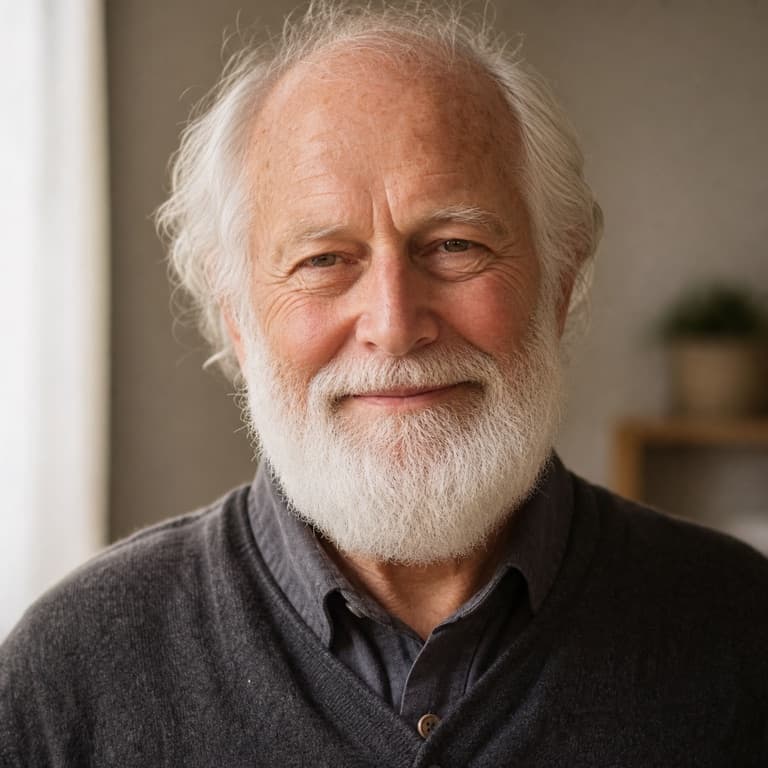
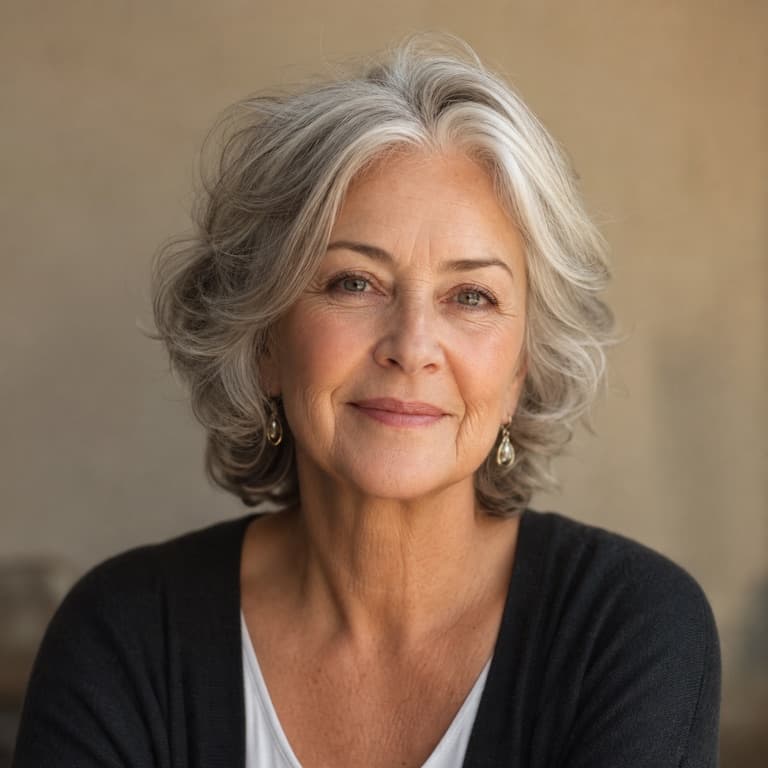
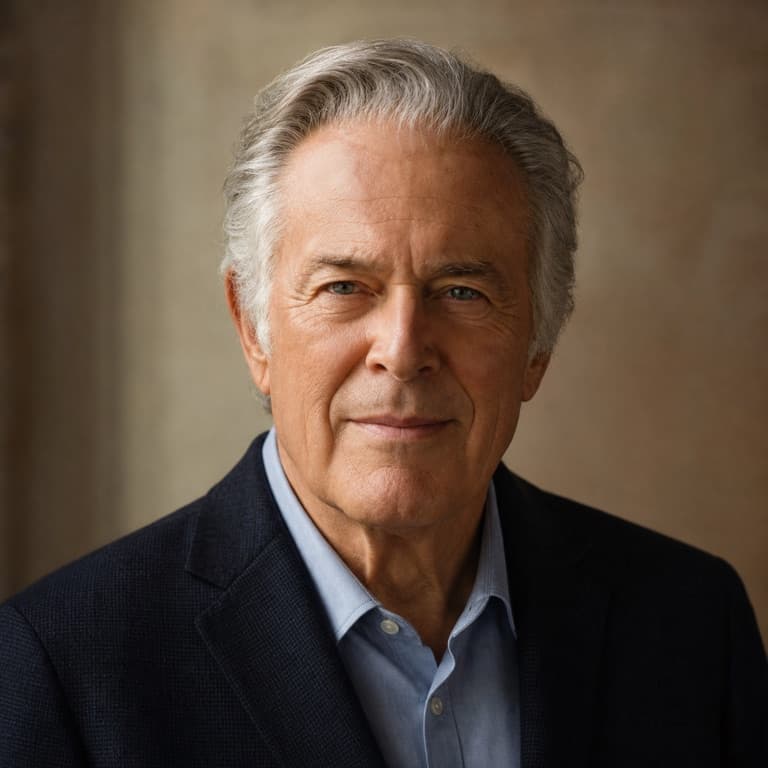
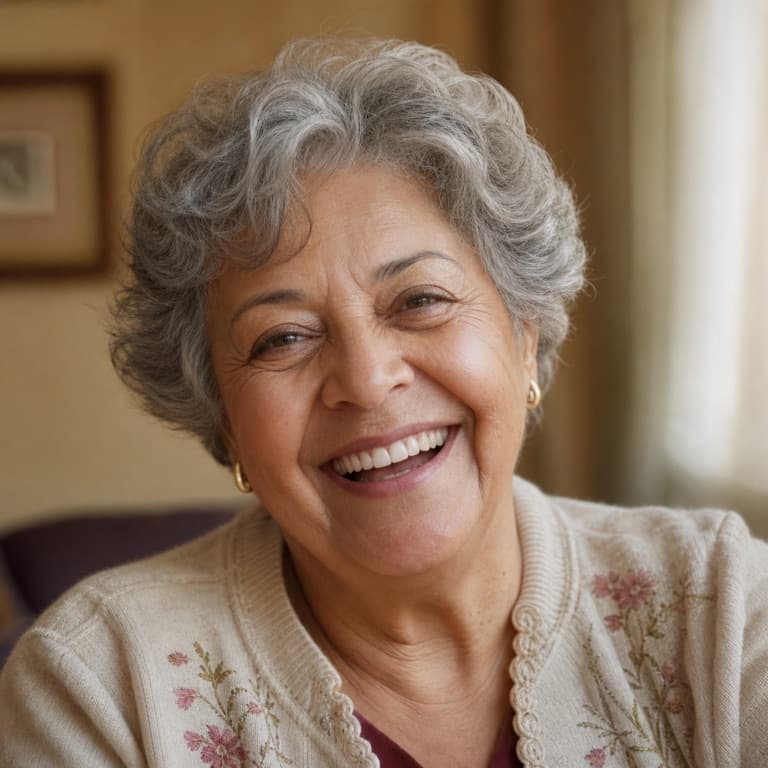
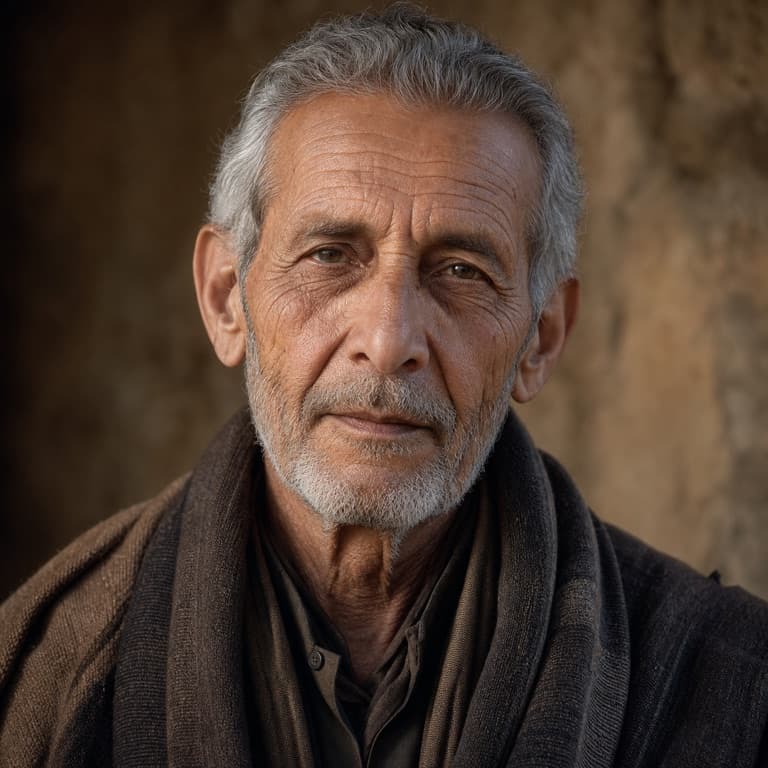
AI aging filter from photo
SoonMaker's aging filter projects your face 30, 40, or 50 years forward using realistic age progression: appropriate wrinkle patterns based on your bone structure, gradual hair color shift to white, age-appropriate skin texture changes, and natural facial volume loss. The result looks like an actual elderly version of you, not a Photoshop hack.
See yourself old AI
Most aging filters apply uniform wrinkles to every face. SoonMaker's age progression accounts for individual bone structure: high cheekbones produce different aging patterns than soft round faces, deep-set eyes age differently than full lids, and smile lines are predictable from your existing expression habits. The outputs feel personally specific.
Old age filter free no watermark
No watermark on any plan; paid plans unlock 4K resolution. The aging filter is one of the most popular tools on the platform — used as a memento mori prompt for self-reflection, a practical-joke tool for older relatives, or just morbid curiosity about the future. No sign-up required to try.
How to use AI Aging Filter
- 1Sign in (free)
Create a SoonMaker account in one click with Google. You'll get free credits immediately — no card required.
- 2Upload a clear face photo
Front-facing, well-lit portraits work best. The more clearly the face is visible, the more natural the result looks.
- 3Generate and download
Run AI Aging Filter and download the result. Try a second photo if you want to compare different angles or lighting.