
AI Baby Filter
Turn your photo into a baby version of yourself. Realistic age regression, preserved facial features. Trending TikTok filter, free preview.
 Try Baby MeUpload a photo — ready in seconds
What can you create with AI Baby Filter?
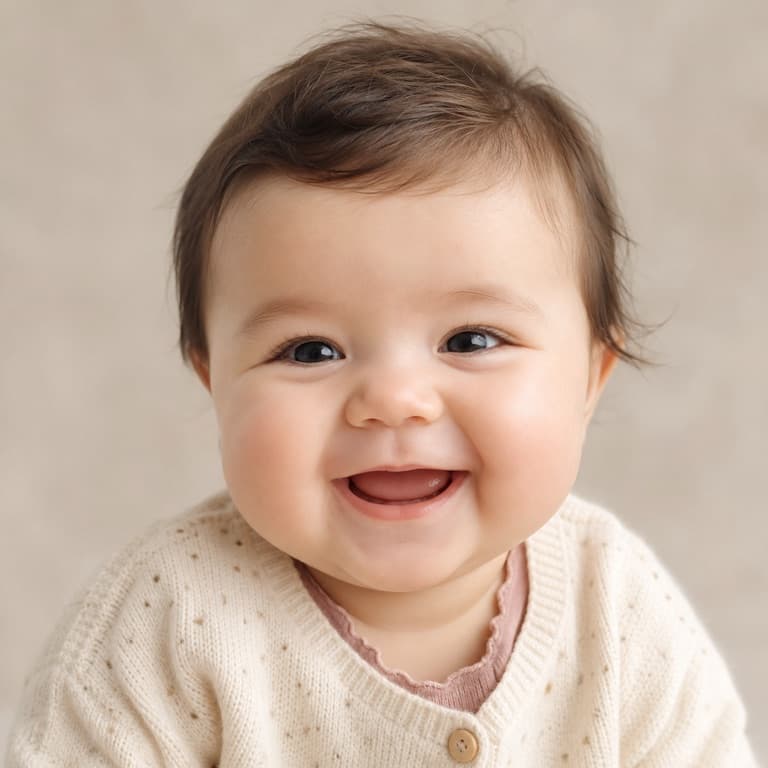

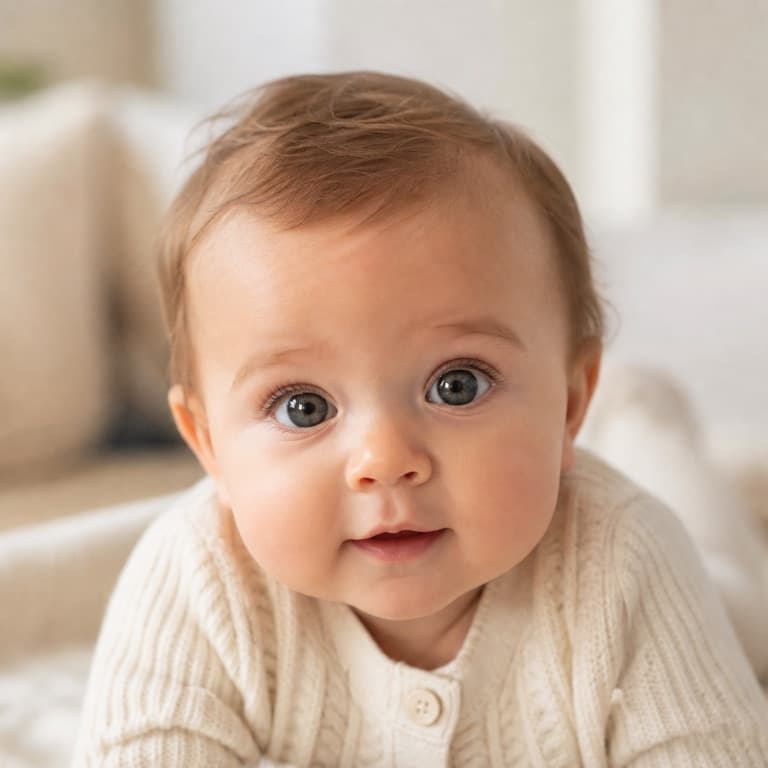
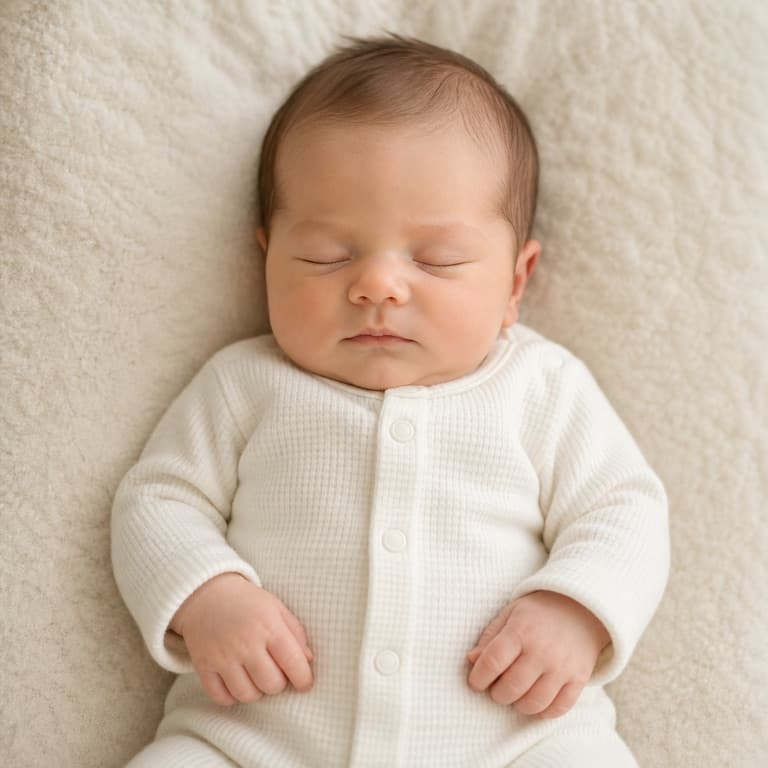
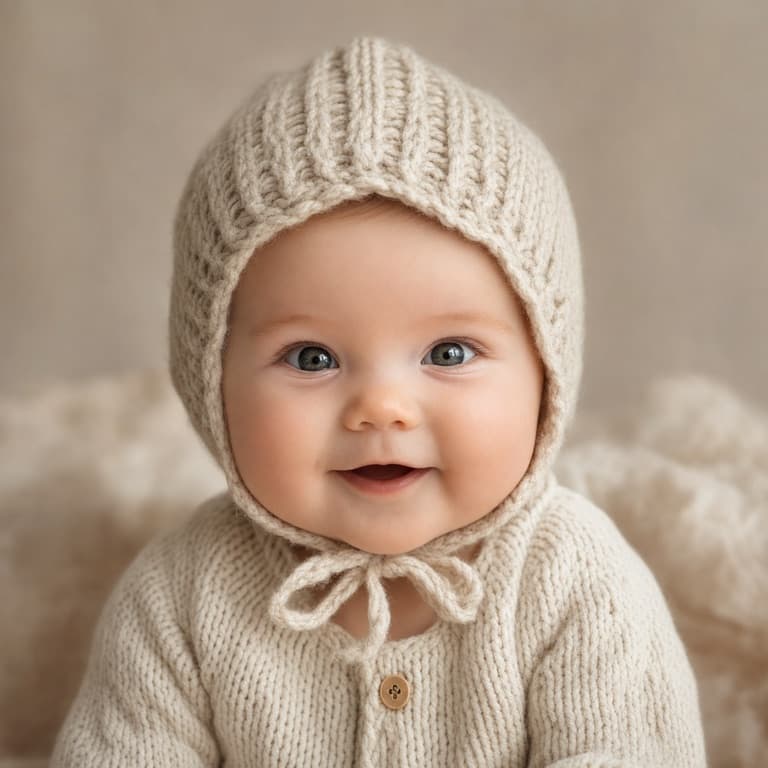
AI baby filter from photo
SoonMaker's baby filter applies AI age regression to any photo, generating a realistic baby version of yourself or anyone in the picture. Eye color, hair color, ethnicity, and recognizable facial features carry through — what changes is age-appropriate proportions (larger forehead, smaller chin, softer skin). Free preview shows the result before signing up.
Age regression AI to baby
Age regression — turning an adult face younger — is harder than aging because so much facial structure is determined post-puberty. The AI works by interpolating between baby-face shape templates and your specific feature set. Results are best from clear front-facing photos with good lighting and minimal makeup or accessories.
AI baby filter trend TikTok
The AI baby filter has rotated through TikTok cycles since 2022 and remains one of the most-shared filter trends. SoonMaker's version generates with no daily limit beyond the 20-credit signup grant, no time-limited free trial, and no email address required to test. Drop in your photo and see the result in 8 seconds.
How to use AI Baby Filter
- 1Sign in (free)
Create a SoonMaker account in one click with Google. You'll get free credits immediately — no card required.
- 2Upload a clear face photo
Front-facing, well-lit portraits work best. The more clearly the face is visible, the more natural the result looks.
- 3Generate and download
Run AI Baby Filter and download the result. Try a second photo if you want to compare different angles or lighting.