
AI Fat Filter
Add realistic weight to any photo for fun. Round faces, fuller body proportions, natural skin. Trending filter, free, no sign up.
 Try Fat MeUpload a photo — ready in seconds
What can you create with AI Fat Filter?
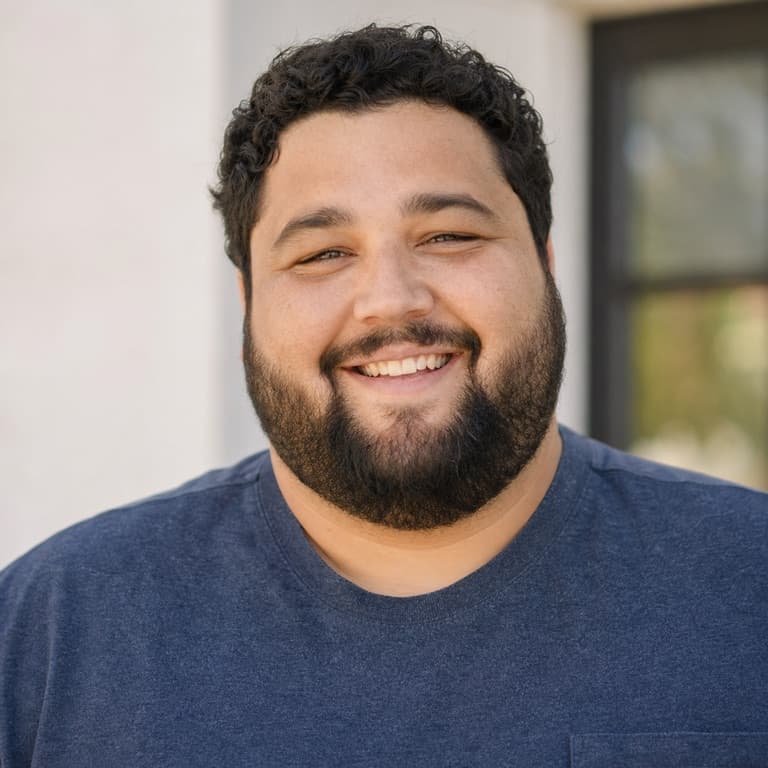
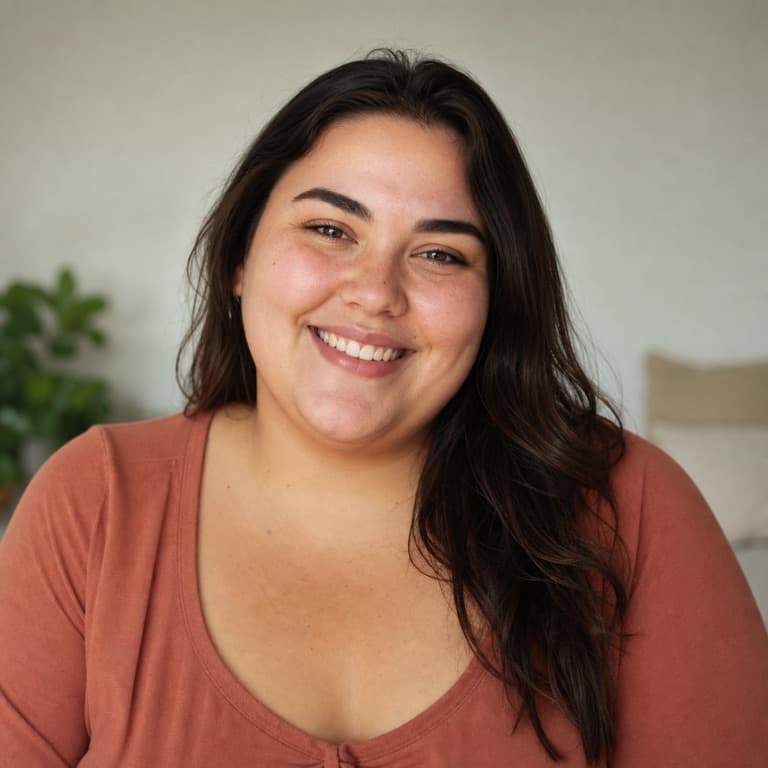
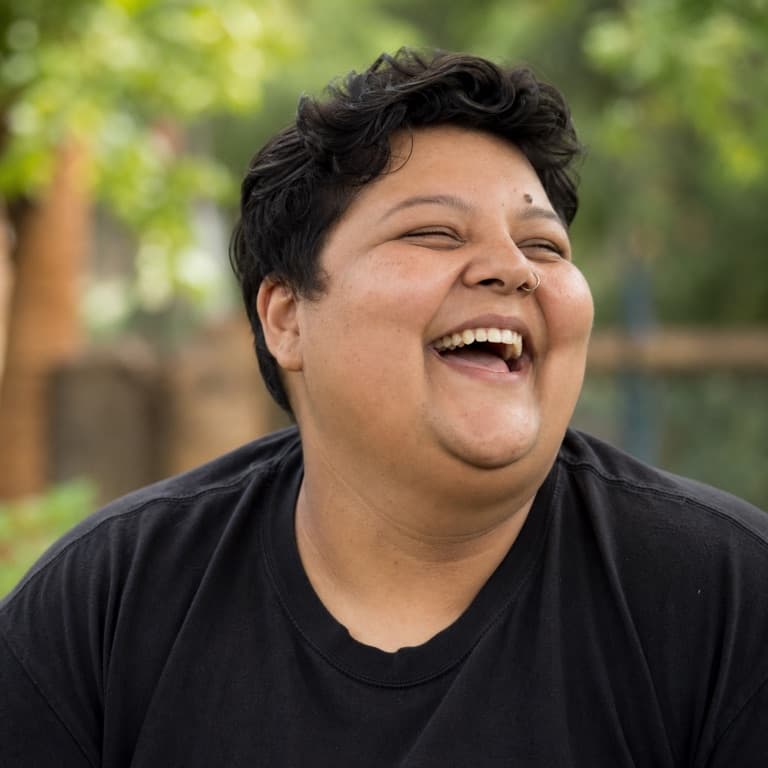
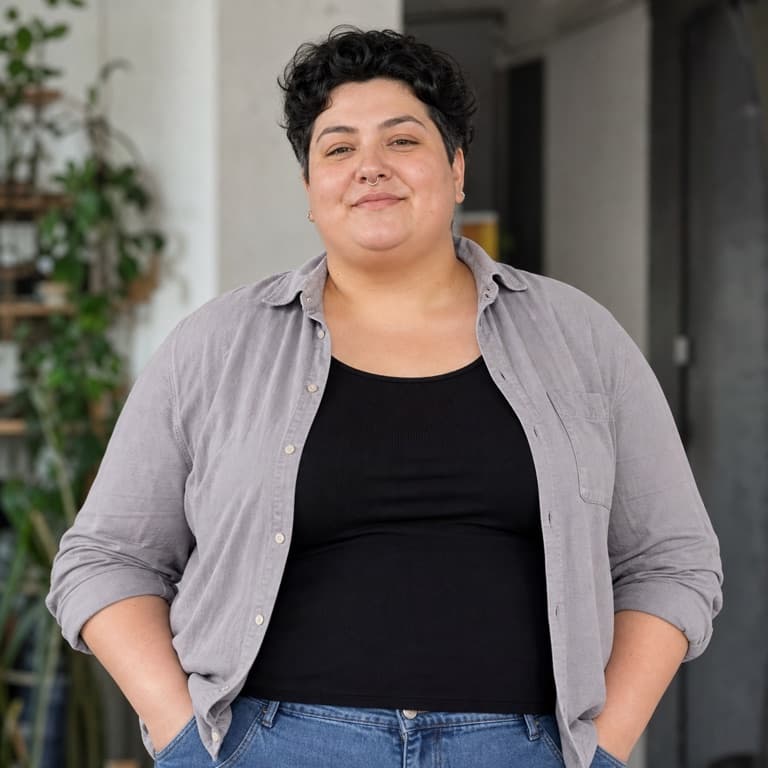

AI fat filter from photo
SoonMaker's fat filter adds realistic weight to photos: rounder face shape, fuller neck, body width adjustments, plumper cheek volume — all rendered naturally rather than caricatured. Use for self-portraits, friend pranks, weight-loss before-photos, or comedy content. Free preview, no sign up needed to try.
Funny weight gain filter free
The fat filter went viral on TikTok in 2024 because outputs felt genuinely funny without crossing into cruel territory — the AI keeps the subject's identity recognizable while changing weight proportionally and naturally. SoonMaker's version maintains this gentle-humor balance rather than producing distorted-looking caricatures.
Chubby filter AI generator
No plan adds a watermark, so the output is ready for TikTok or YouTube without a logo overlay. The 25 credits on signup get you 5 fat-filter generations to test before deciding to subscribe.
How to use AI Fat Filter
- 1Sign in (free)
Create a SoonMaker account in one click with Google. You'll get free credits immediately — no card required.
- 2Upload a clear face photo
Front-facing, well-lit portraits work best. The more clearly the face is visible, the more natural the result looks.
- 3Generate and download
Run AI Fat Filter and download the result. Try a second photo if you want to compare different angles or lighting.