
Ghibli-Style AI Filter
Turn photos into Ghibli-style anime art: soft watercolor washes, dreamy pastel skies, hand-drawn texture. For portraits, pets and landscapes. Free preview.
 Try Hand-Drawn Anime PortraitUpload a photo — ready in seconds
What can you create with Ghibli-Style AI Filter?

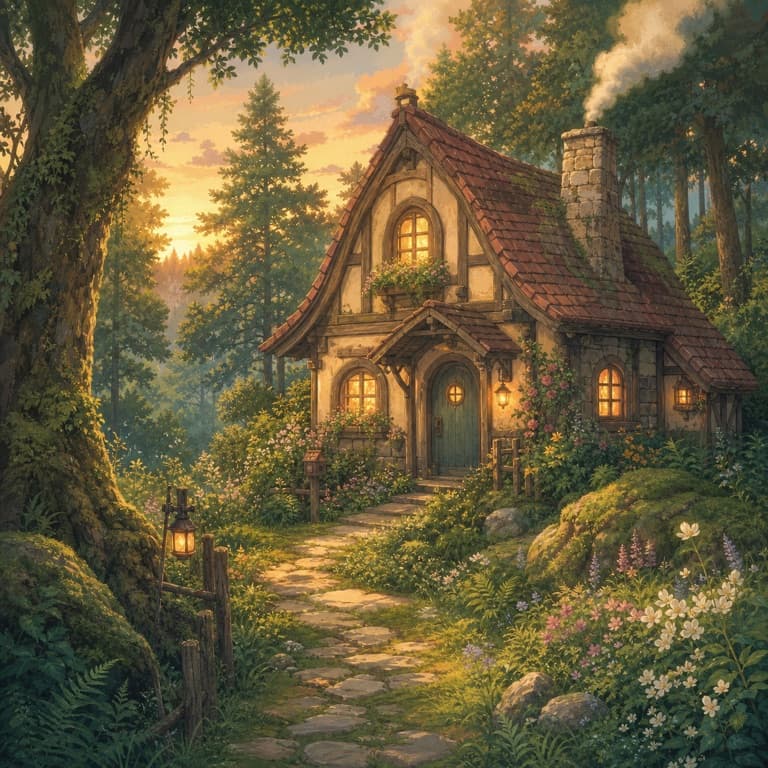
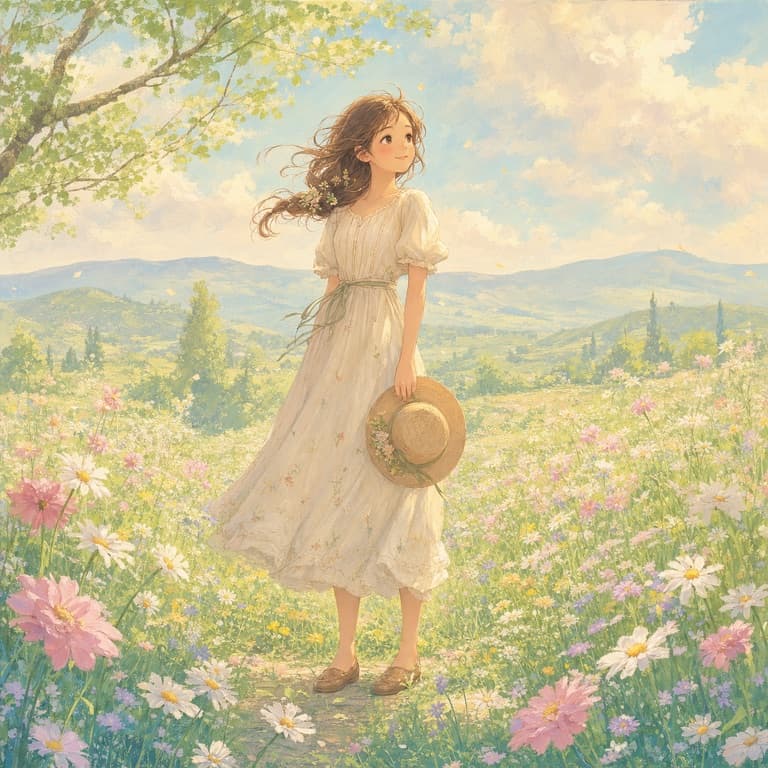

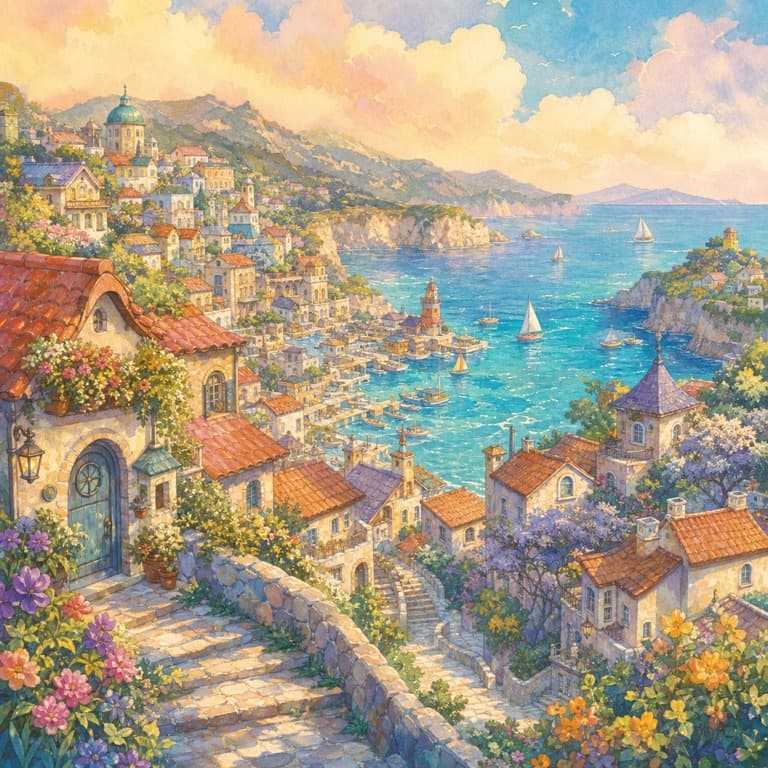
Ghibli-style filter from photo, free
Upload any photo and SoonMaker repaints it in a Ghibli-style hand-drawn anime look: soft pastel watercolor washes, gentle line work, glowing ambient light and a calm, nostalgic mood. Free preview lets you check the result before signing up. Outputs work as profile photos, prints, gift art or desktop backgrounds — and every result is an original illustration of your own photo, not a copy of any film frame.
The hand-painted anime look: watercolor, pastels, soft light
The hand-painted anime look has a few distinct moods: bright summer countryside with tall clouds, misty forests in deep greens, cozy cluttered interiors full of warm detail, and dusky, painterly evening skies. SoonMaker lets you steer toward the mood you want with a short prompt, so the conversion matches the feeling you are after instead of a single fixed filter.
Ghibli-style art for couples, pets and landscapes
The Ghibli-style filter works on couple photos (warm, romantic scenes), pet photos (your dog or cat in a soft painted meadow), landscape photos (real scenes get painted hills and watercolor skies) and family group shots. Each subject type has its own rendering tuning so outputs feel intentional rather than generic. A clear, well-lit photo keeps faces and pets recognizable.
How to use Ghibli-Style AI Filter
- 1Sign in (free)
Create a SoonMaker account in one click with Google. You'll get free credits immediately — no card required.
- 2Upload a clear photo
Pick a well-lit photo where the face or subject is clearly visible and facing the camera — that gives the AI the most to work with.
- 3Apply the style and download
Run Ghibli-Style AI Filter, compare the result with your original, and download it. Regenerate if you want a slightly different interpretation.