
Pixar-Style 3D Filter
Trending filter: turn a selfie into a Pixar-style 3D cartoon with big expressive eyes, soft cinematic lighting and smooth rendered skin. Free preview, instant.
 Try 3D Cartoon CharacterUpload a photo — ready in seconds
What can you create with Pixar-Style 3D Filter?
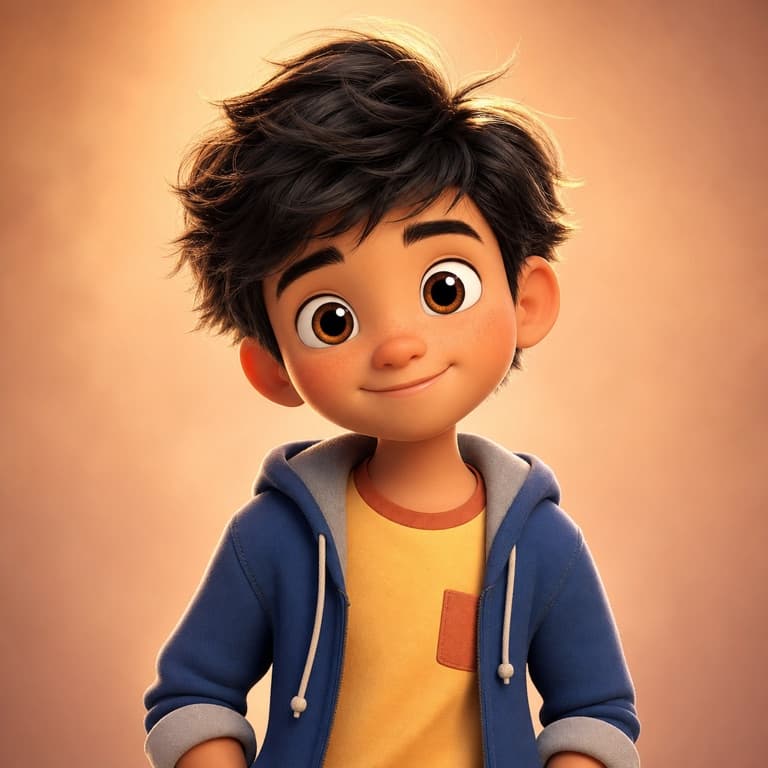
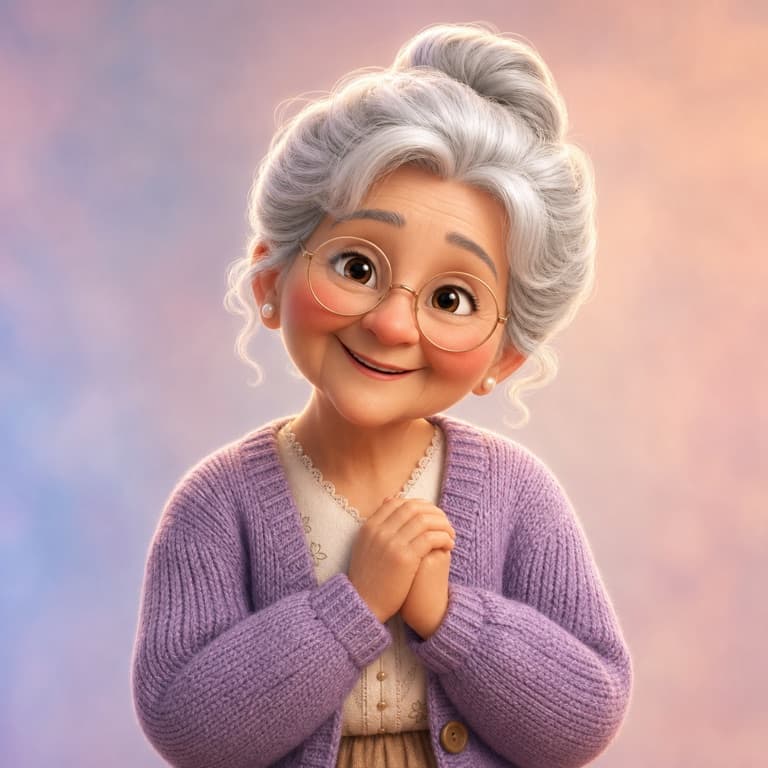
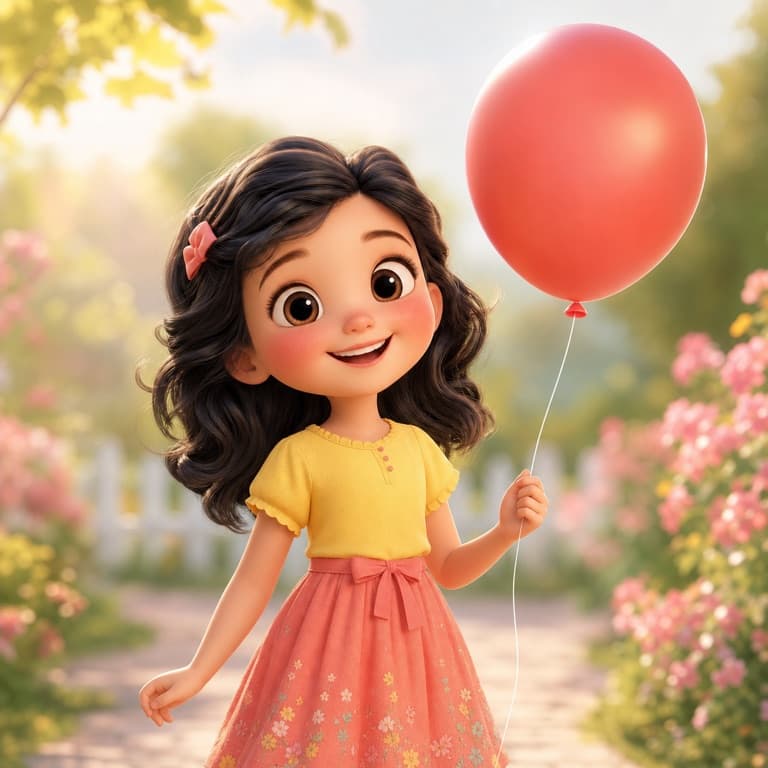
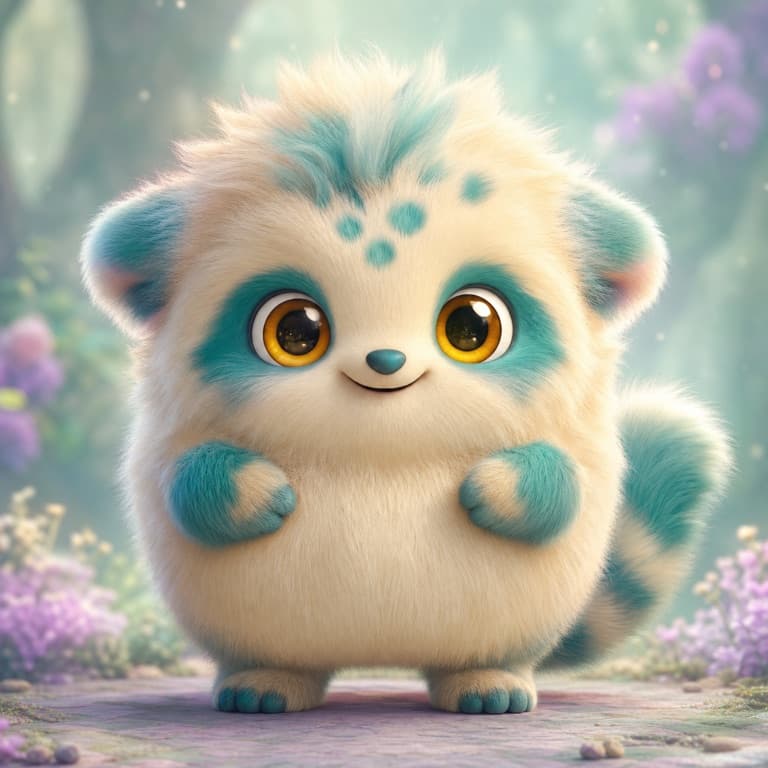
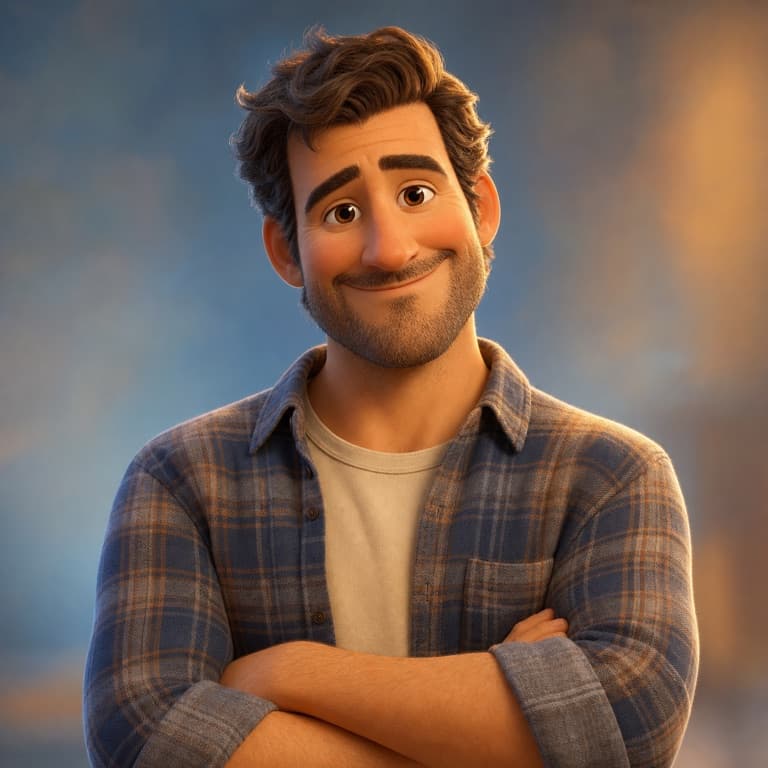
Pixar-style 3D filter trend
The 3D cartoon filter became one of TikTok's biggest trends because the results look like a still from an animated movie rather than a stylized photo. SoonMaker's Pixar-style filter uses the same class of single-shot image models as the trending apps, with no daily generation cap on the free tier — just a one-time credit grant on signup to try it out.
3D animated look from a selfie
Take a clean front-facing selfie. SoonMaker applies a Pixar-style 3D pass: oversized expressive eyes, soft volumetric lighting, subsurface skin scattering, simplified hair shapes and smooth, rounded proportions. Your facial structure stays recognizable while every surface gets the animated-film treatment. Output at 1024x1024, ready to share to TikTok or Instagram.
Keeping your likeness in a 3D cartoon
3D animated characters tend to share a few proportions: a slightly larger forehead, wide-set eyes, a smaller chin and a soft jawline. The filter applies those adjustments while keeping enough of your real face that friends still recognize you — the result reads as a 3D cartoon version of you, not a generic character, and never a copy of an existing film character.
How to use Pixar-Style 3D Filter
- 1Sign in (free)
Create a SoonMaker account in one click with Google. You'll get free credits immediately — no card required.
- 2Upload a clear photo
Pick a well-lit photo where the face or subject is clearly visible and facing the camera — that gives the AI the most to work with.
- 3Apply the style and download
Run Pixar-Style 3D Filter, compare the result with your original, and download it. Regenerate if you want a slightly different interpretation.