
AI Manga Filter
Turn photos into manga panels: black-and-white screentones, dynamic linework, Japanese manga aesthetic. Free preview, instant download.
 Try Manga PanelUpload a photo — ready in seconds
What can you create with AI Manga Filter?
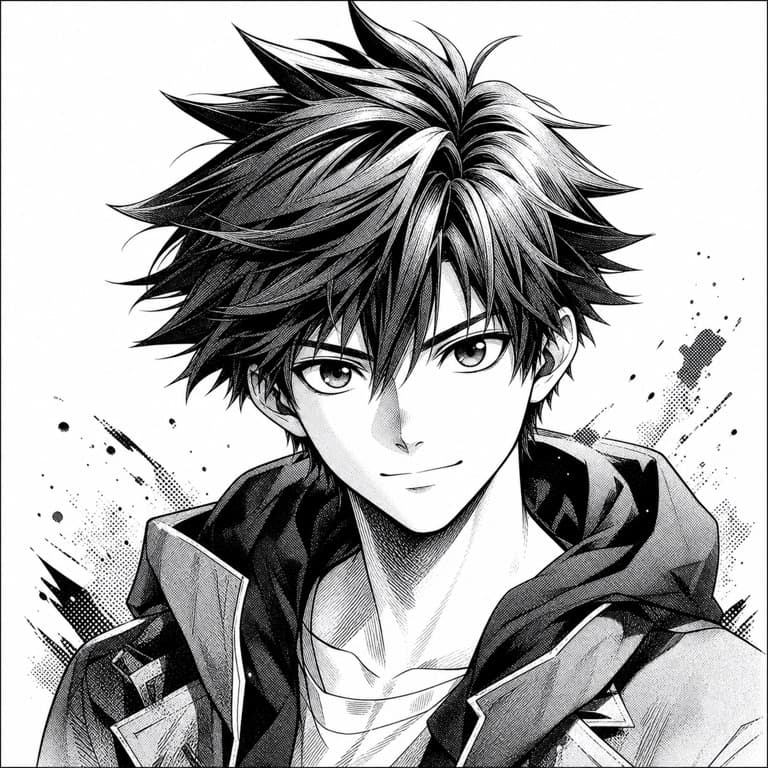
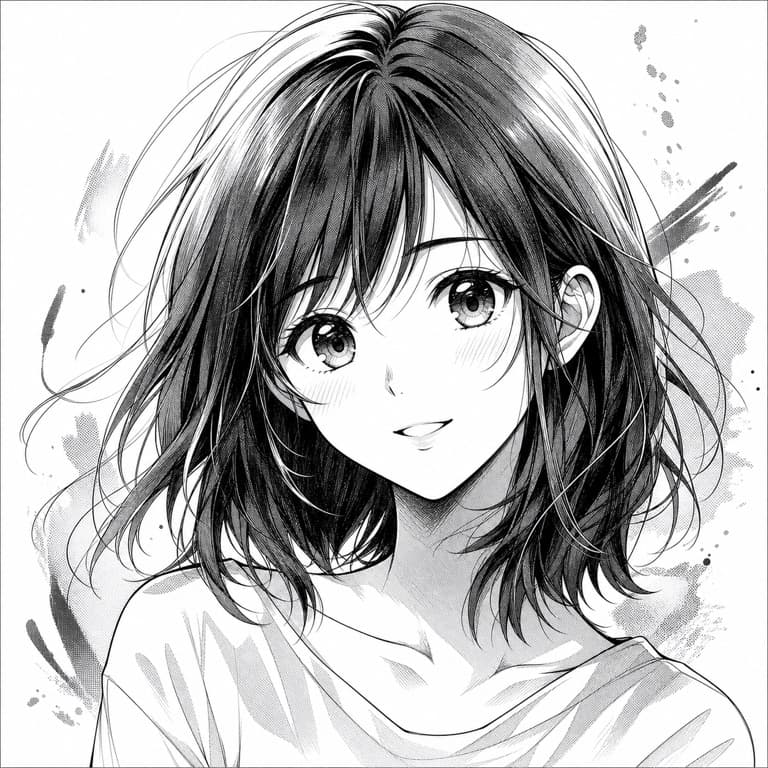
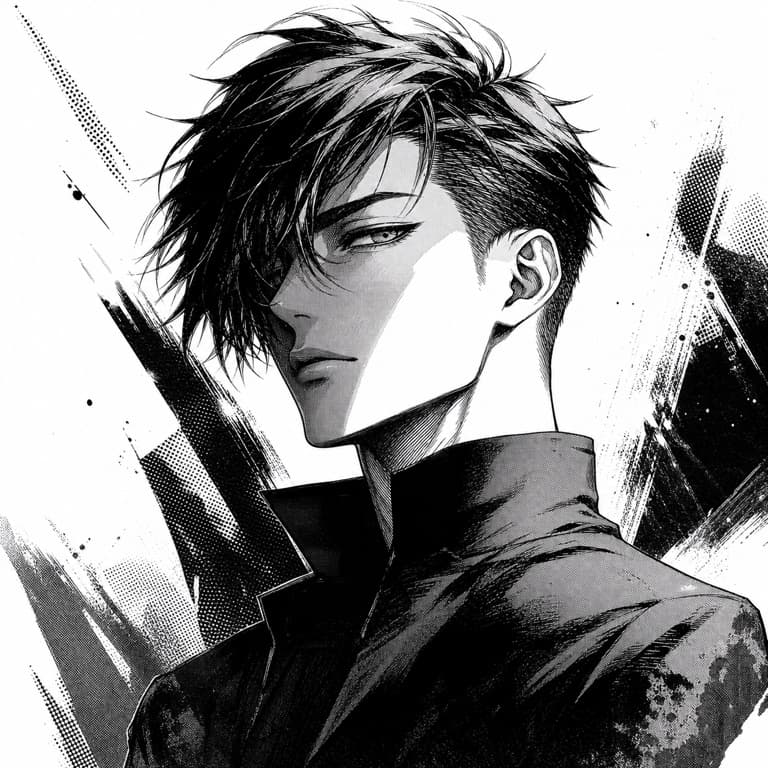
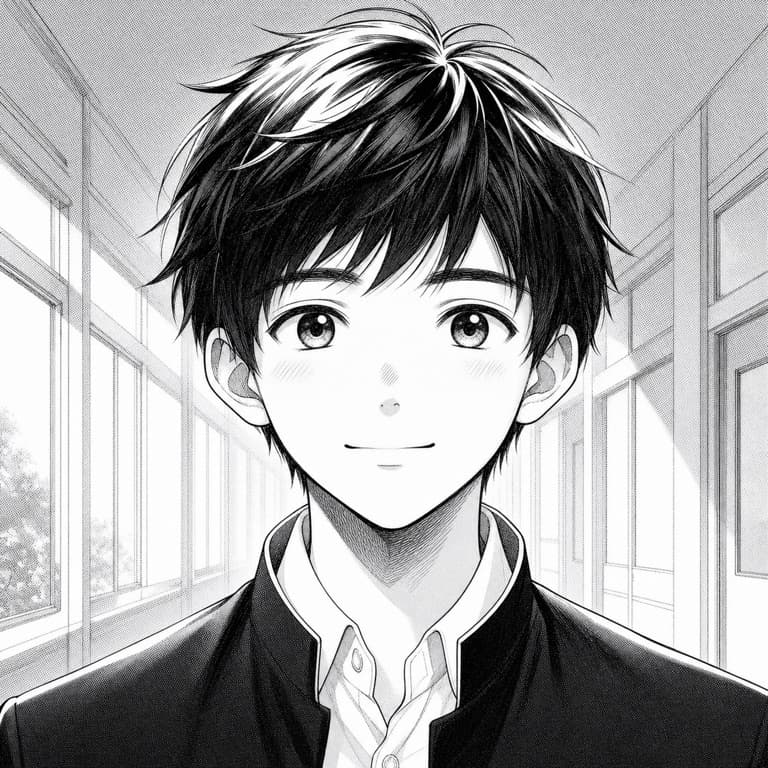
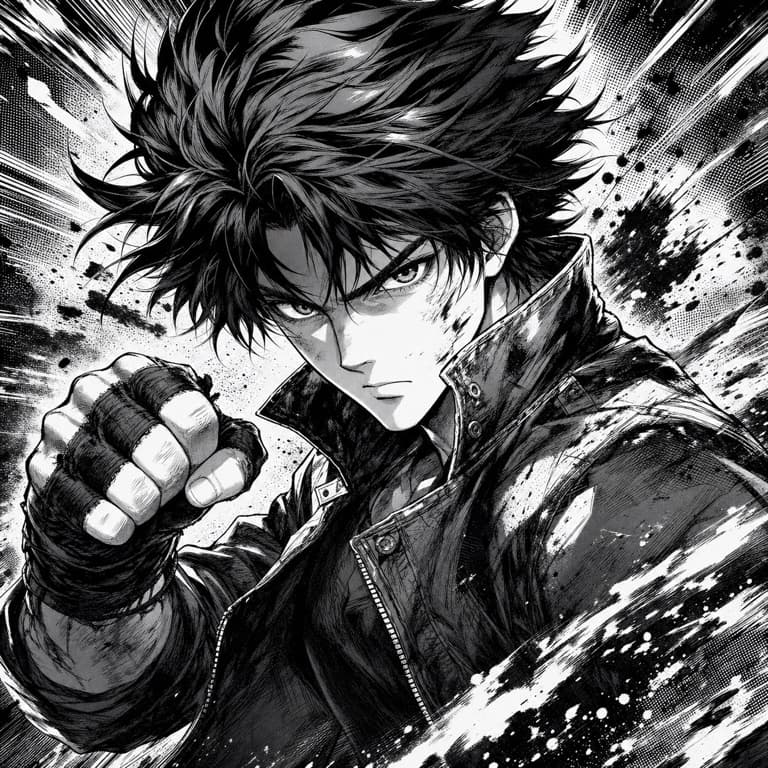
AI manga filter from photo
SoonMaker's manga filter converts photos to authentic black-and-white manga page art with proper screentones, solid blacks for impact, and clean ink linework. Output works for fan art, webtoon series mockups, character reference sheets, or just sharing a cool stylized version of yourself. Print-quality at 300 DPI on paid plans.
B&W manga style with screentones
Real manga uses screentones — printed dot patterns that give grayscale areas their texture and depth. SoonMaker applies authentic screentone patterns rather than fake grayscale gradients. The difference shows when you print: real screentones hold up at any reproduction size; fake gradient grayscale loses detail and looks muddy.
Manga panel maker AI
Drop a photo and SoonMaker composes it as a single manga panel with proper drawing — close-up panels for emotional moments, wide panels for action, dramatic-angle panels for shock. The composition follows manga's visual storytelling conventions, not Western comic-book conventions, so outputs feel authentic to the form.
How to use AI Manga Filter
- 1Sign in (free)
Create a SoonMaker account in one click with Google. You'll get free credits immediately — no card required.
- 2Upload a clear photo
Pick a well-lit photo where the face or subject is clearly visible and facing the camera — that gives the AI the most to work with.
- 3Apply the style and download
Run AI Manga Filter, compare the result with your original, and download it. Regenerate if you want a slightly different interpretation.