
Image to Prompt AI
Upload any image, get the AI prompt that could have generated it. Perfect for replicating styles, learning prompt engineering. Free.
What can you create with Image to Prompt AI?
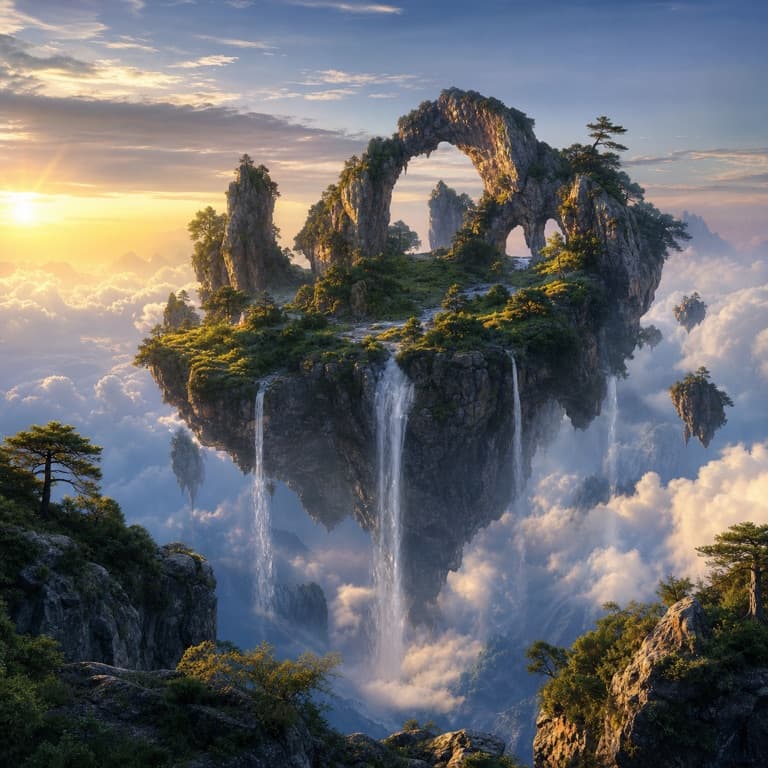
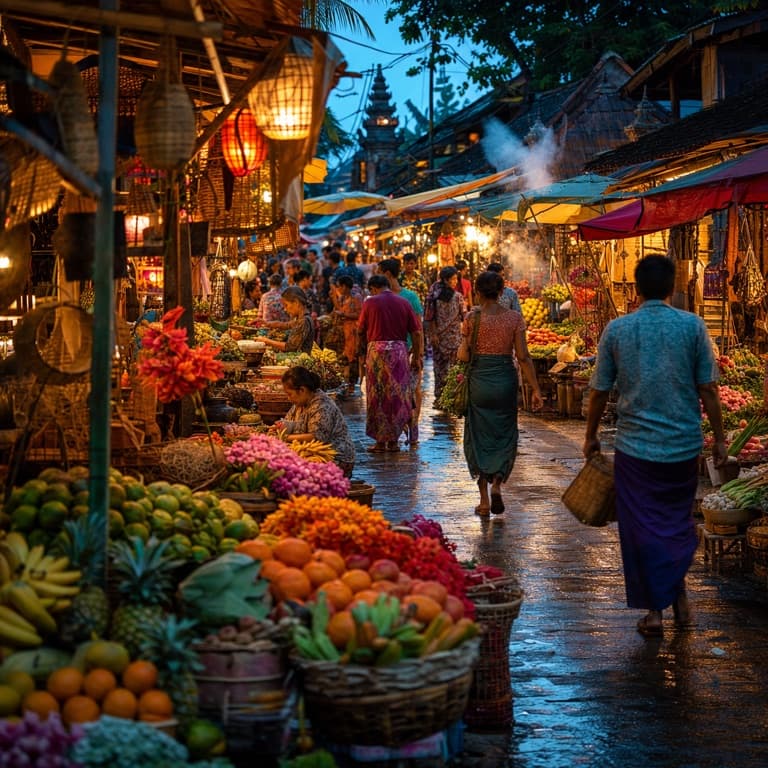
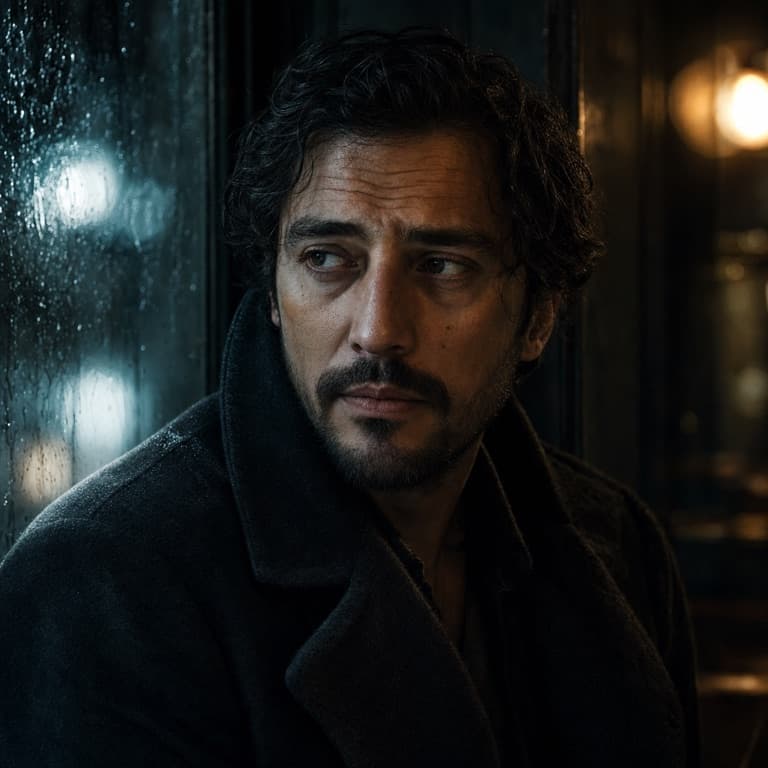
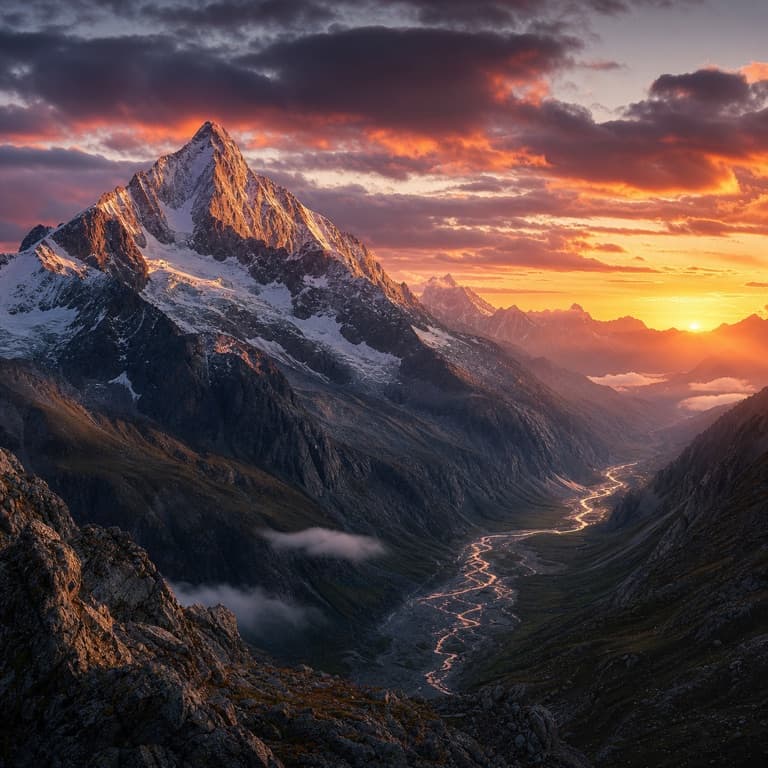
Image to prompt converter AI
Upload any image and SoonMaker extracts a detailed AI prompt that could plausibly have generated it: subject description, style notes, composition details, lighting characteristics, technical parameters. Useful for replicating styles, learning prompt engineering, or finding the keywords that lead to a specific aesthetic.
Reverse AI image prompt generator
Image to prompt converter is essential for prompt engineers and AI artists who want to systematically learn what works. Find a beautiful AI-generated image online, run it through SoonMaker's converter, get the prompt, modify slightly, generate variations. The fastest way to develop prompt-writing intuition.
Prompt extraction from image
Reverse AI image prompt generator handles outputs from various AI tools (Midjourney, Flux, DALL-E, Stable Diffusion) and infers prompts that work across different models. The output prompt is generic enough to use in any AI image tool while specific enough to recreate the visual look of the source image.
How to use Image to Prompt AI
- 1Sign in (free)
Create a SoonMaker account in one click with Google. You'll get free credits immediately — no card required.
- 2Upload the image you want to fix
Drop in the photo you want to run through Image to Prompt AI. You don't need any editing skills — there are no layers or masks to set up.
- 3Let the AI process it, then download
The AI does the work automatically. Compare it against your original and download the finished file.