
AI Background Remover
Remove backgrounds from any image with AI precision. Hair detail, product edges, transparent PNG output. Free, unlimited, no sign up. Beats Remove.bg quality.
What can you create with AI Background Remover?
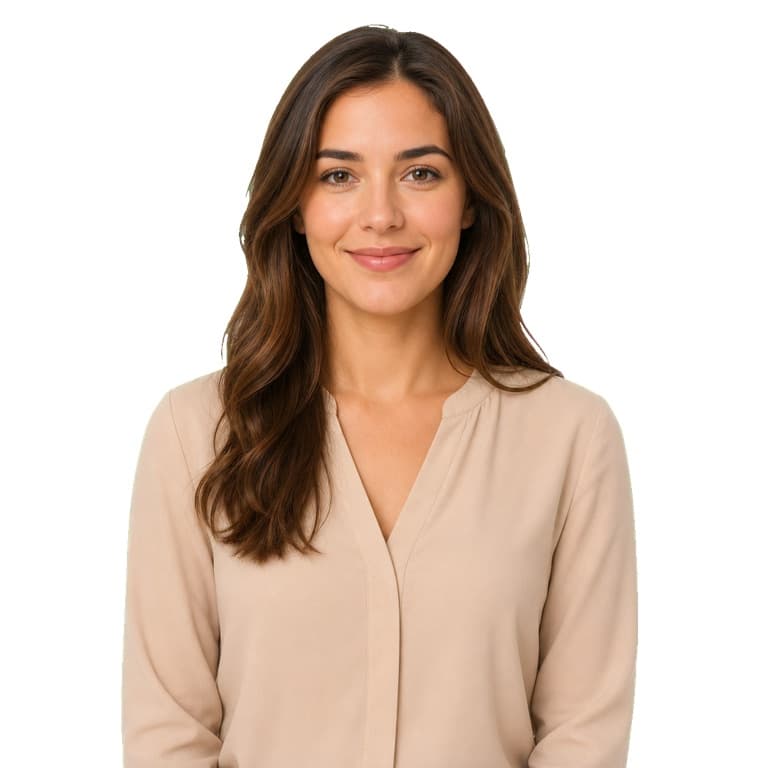
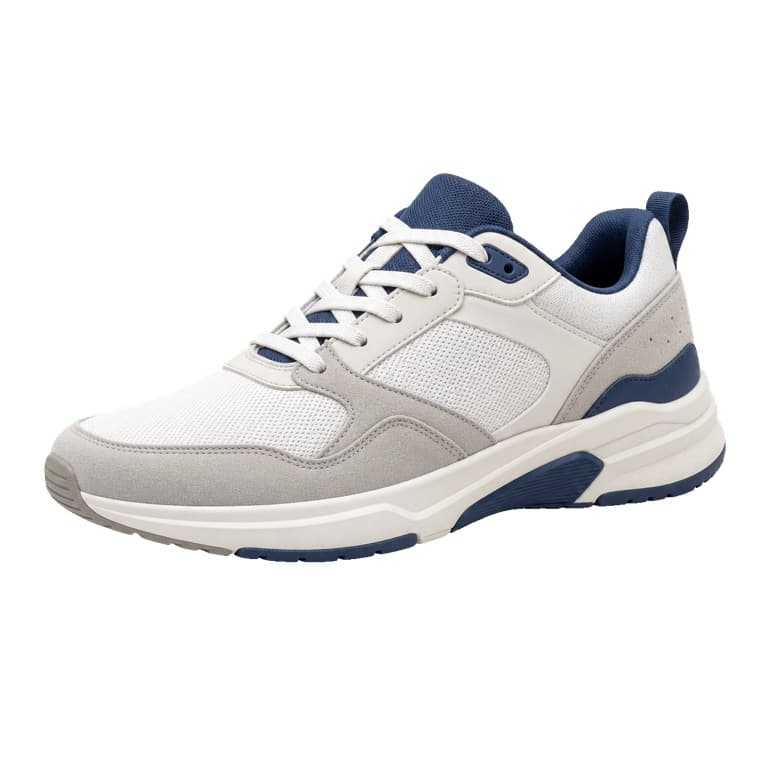
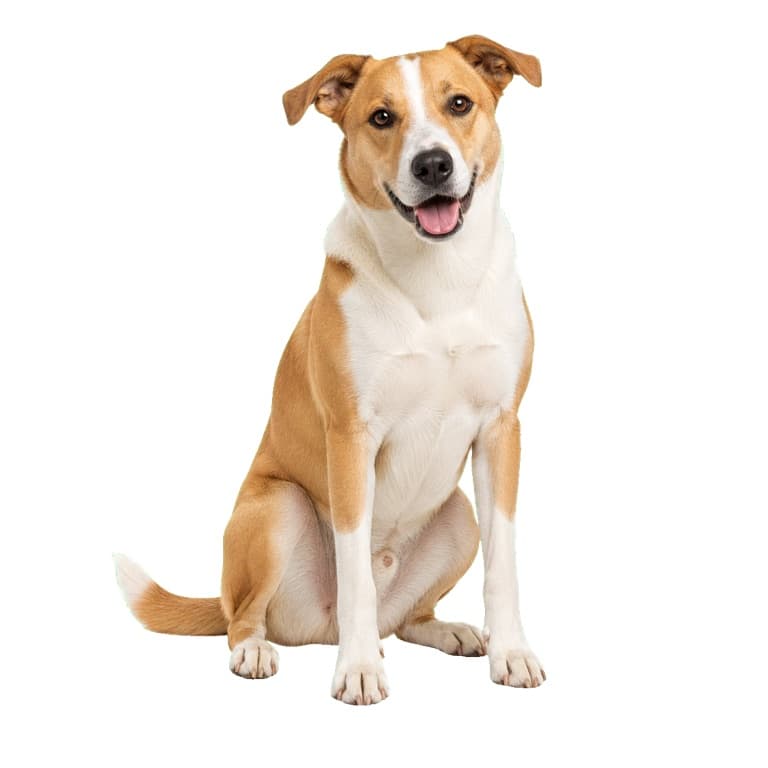


AI background remover online free
Drop any image and SoonMaker's AI removes the background in 2 seconds with edge precision that handles individual hair strands, transparent fabric, frizzy fur, and motion blur. Output as transparent PNG ready for product mockups, e-commerce listings, design composites, or social posts. Free, unlimited generations on the free tier.
Remove background from image transparent PNG
Output is true alpha-channel transparent PNG suitable for Photoshop, Canva, Figma, Etsy listings, Amazon product photos, and any layered design workflow. Unlike free competitors that limit resolution, SoonMaker outputs at full source resolution — you can submit a 4K image and get a 4K transparent PNG back.
Better than Remove.bg comparison
Remove.bg invented this category in 2018 and remains the brand name people search for. SoonMaker's quality matches or beats Remove.bg on the cases that matter most — hair strands, fur edges, complex foreground/background separation — at zero cost on the free tier vs Remove.bg's $9/mo Pro plan minimum for any serious volume.
How to use AI Background Remover
- 1Sign in (free)
Create a SoonMaker account in one click with Google. You'll get free credits immediately — no card required.
- 2Upload the image you want to fix
Drop in the photo you want to run through AI Background Remover. You don't need any editing skills — there are no layers or masks to set up.
- 3Let the AI process it, then download
The AI does the work automatically. Compare it against your original and download the finished file.