
AI Object Remover
Erase unwanted objects, people, text from any photo. AI fills the background naturally. Free online, no Photoshop needed.
What can you create with AI Object Remover?


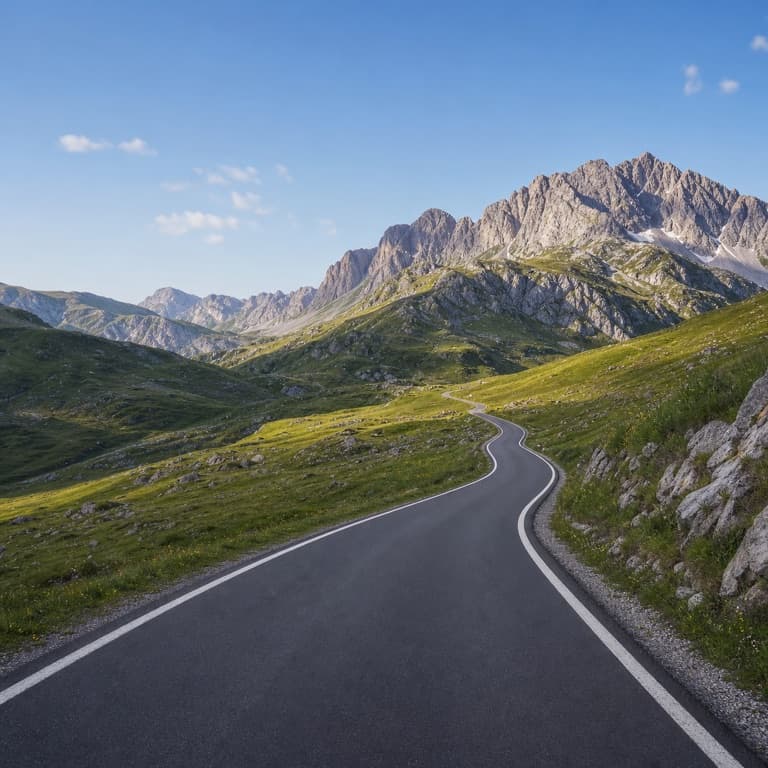
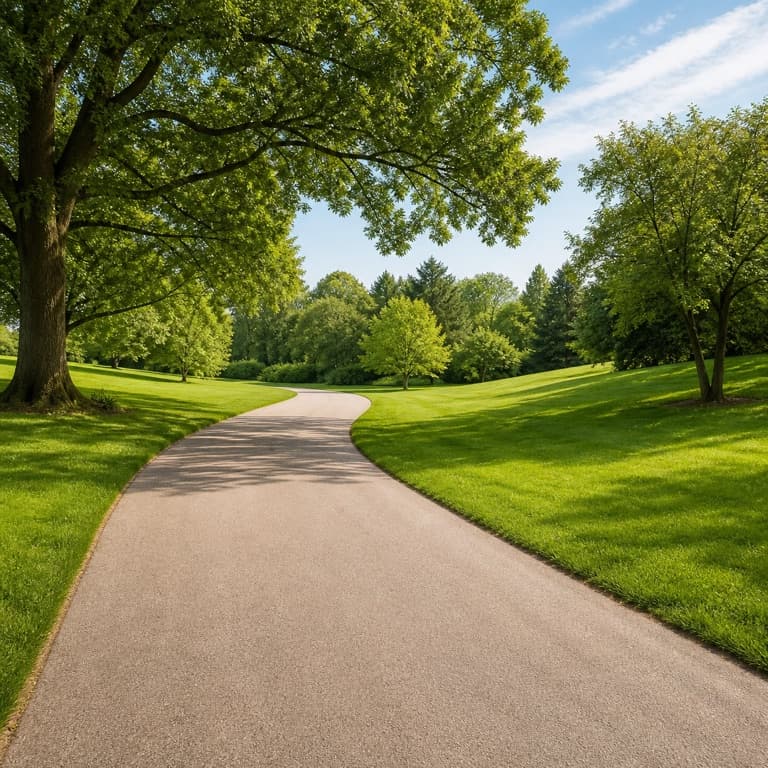

AI object remover online free
Brush over any object, person, or text in your photo and SoonMaker erases it cleanly, filling the gap with plausible background that matches surrounding texture and lighting. Trust photographer instinct over algorithmic guesswork — the AI handles complex backgrounds (foliage, architecture, sky) with content-aware fill that beats Photoshop's built-in equivalent.
Remove people from photo AI
Removing tourists from your travel photos, photobombers from group shots, ex-partners from old photos, distracting trash from landscape shots — all common use cases. SoonMaker handles each: the AI understands what should plausibly fill the removed region given surrounding context, so the output looks natural rather than blurry.
Remove text from image AI
Removing visible text or watermarks (your own watermark on a photo before submitting to a contest, time-stamp burned into video frames, etc.) requires the AI to reconstruct the underlying image plausibly. SoonMaker handles common cases — date stamps, photographer signatures, location overlays — without leaving telltale fill artifacts.
How to use AI Object Remover
- 1Sign in (free)
Create a SoonMaker account in one click with Google. You'll get free credits immediately — no card required.
- 2Upload the image you want to fix
Drop in the photo you want to run through AI Object Remover. You don't need any editing skills — there are no layers or masks to set up.
- 3Let the AI process it, then download
The AI does the work automatically. Compare it against your original and download the finished file.