
AI Image Extender
Extend image canvas with AI. Outpaint top, bottom, sides naturally. Perfect for changing aspect ratio, adding context. Free preview.
What can you create with AI Image Extender?
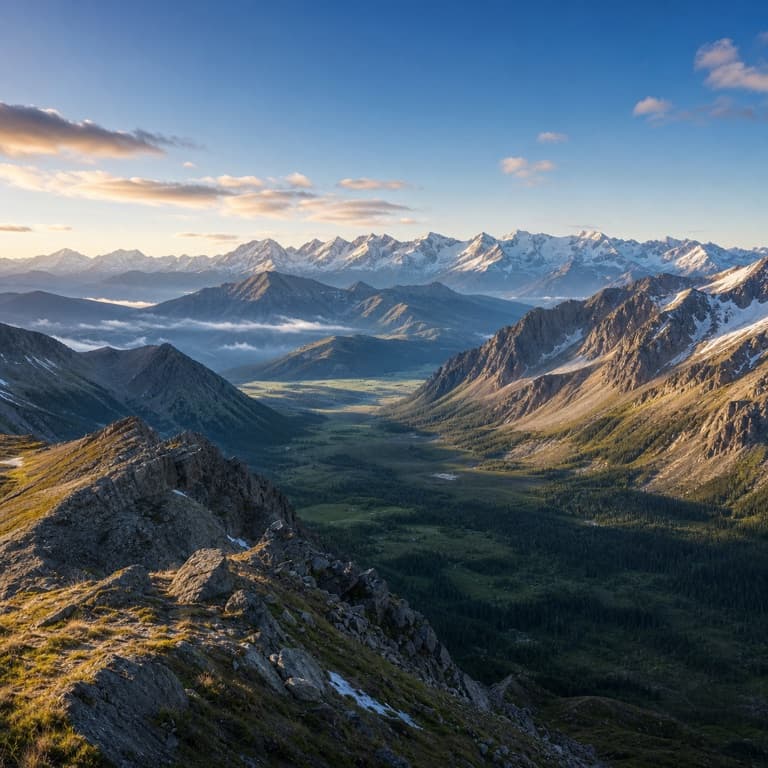
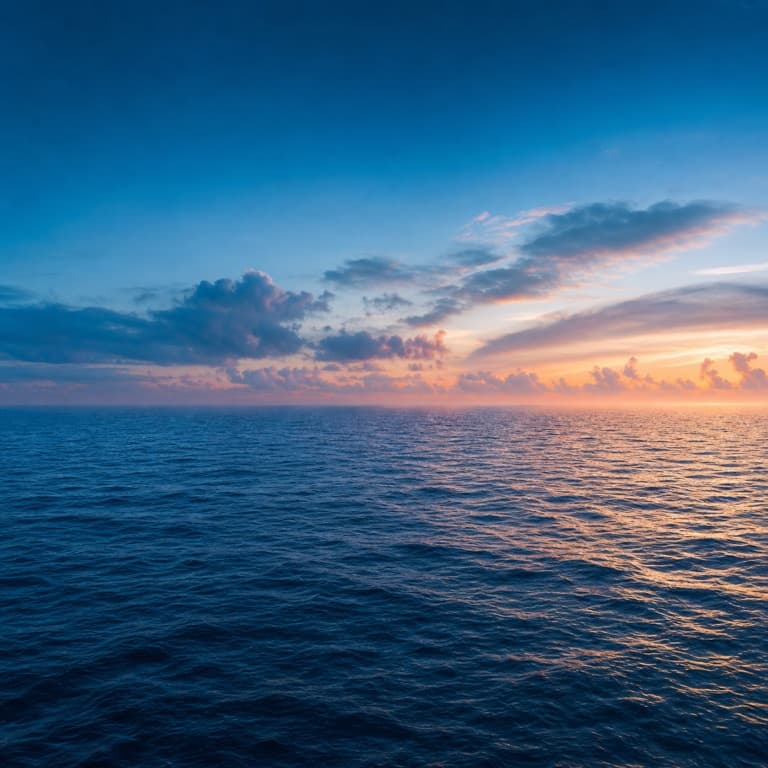
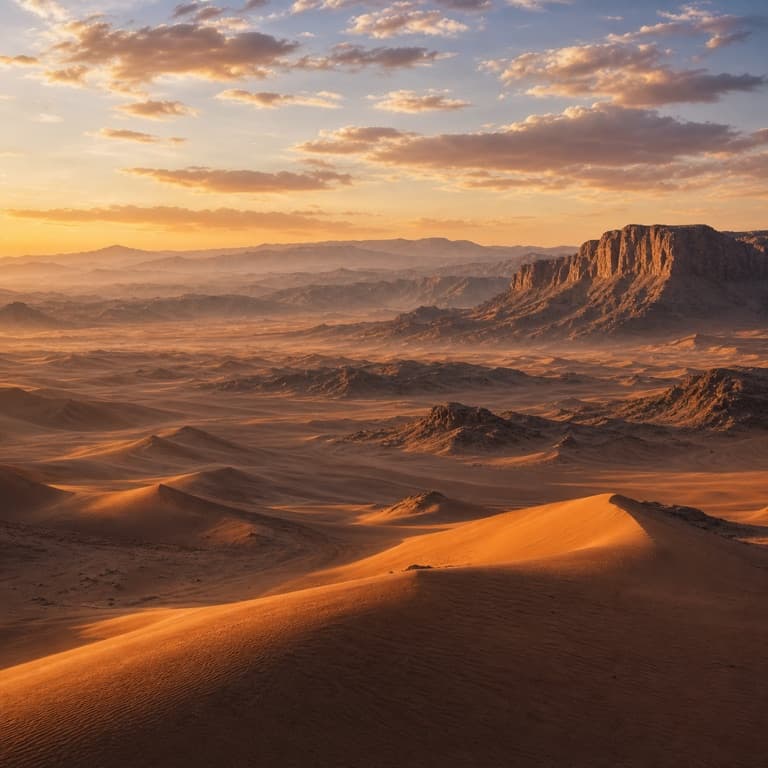
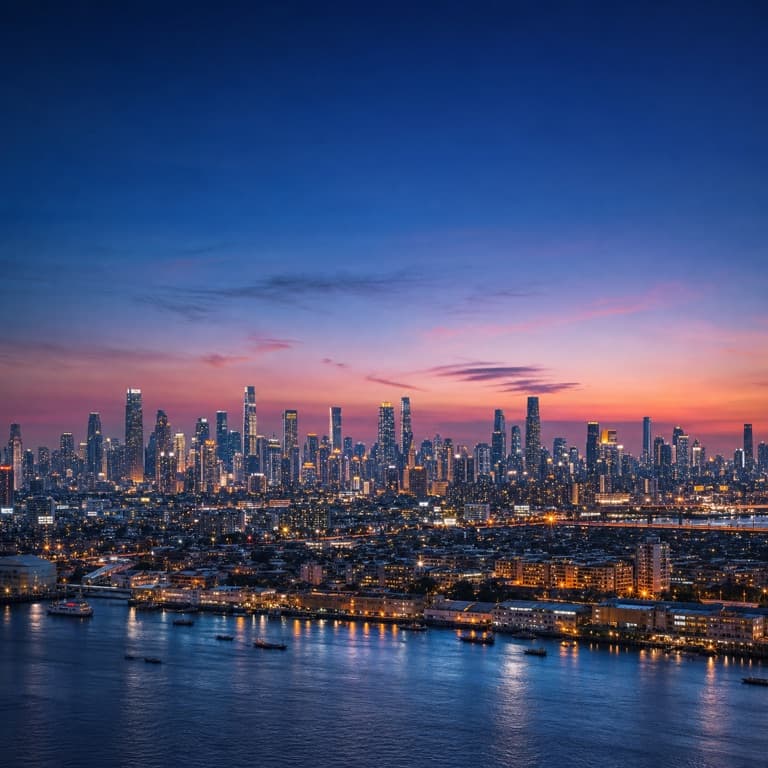
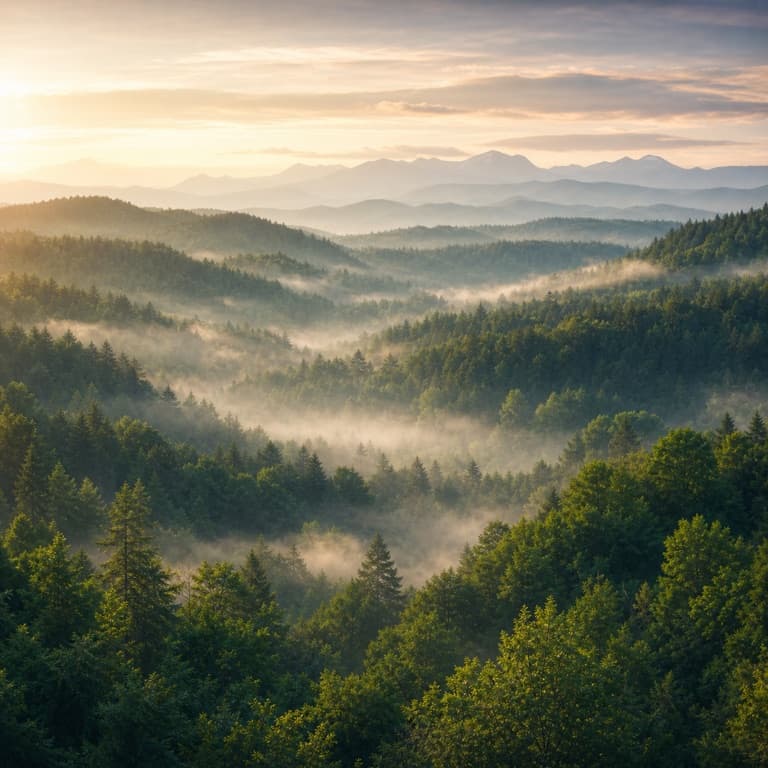
AI image extender / outpainter free
SoonMaker extends images beyond their original edges, generating new content that matches the existing scene's style and physics. Useful for changing aspect ratio (landscape to portrait or vice versa), adding negative space for design layouts, or expanding a photo to fit a new format.
Extend photo background AI
Extend photo background AI works for simple backgrounds (skies, walls, water) and complex ones (cityscapes, foliage, interiors). The AI understands what should plausibly continue beyond the frame and renders it naturally. The seam between original and extended is invisible.
Change aspect ratio with AI
Change aspect ratio with AI is the most common use: a 16:9 photo needs to become 9:16 for vertical video, a 1:1 Instagram square needs to become 4:5 portrait. SoonMaker extends the image in the required direction rather than cropping, so you don't lose any of the original composition.
How to use AI Image Extender
- 1Sign in (free)
Create a SoonMaker account in one click with Google. You'll get free credits immediately — no card required.
- 2Upload the image you want to fix
Drop in the photo you want to run through AI Image Extender. You don't need any editing skills — there are no layers or masks to set up.
- 3Let the AI process it, then download
The AI does the work automatically. Compare it against your original and download the finished file.