

16-Bit Pixel Art
Your portrait as a retro game sprite
More like this
View all
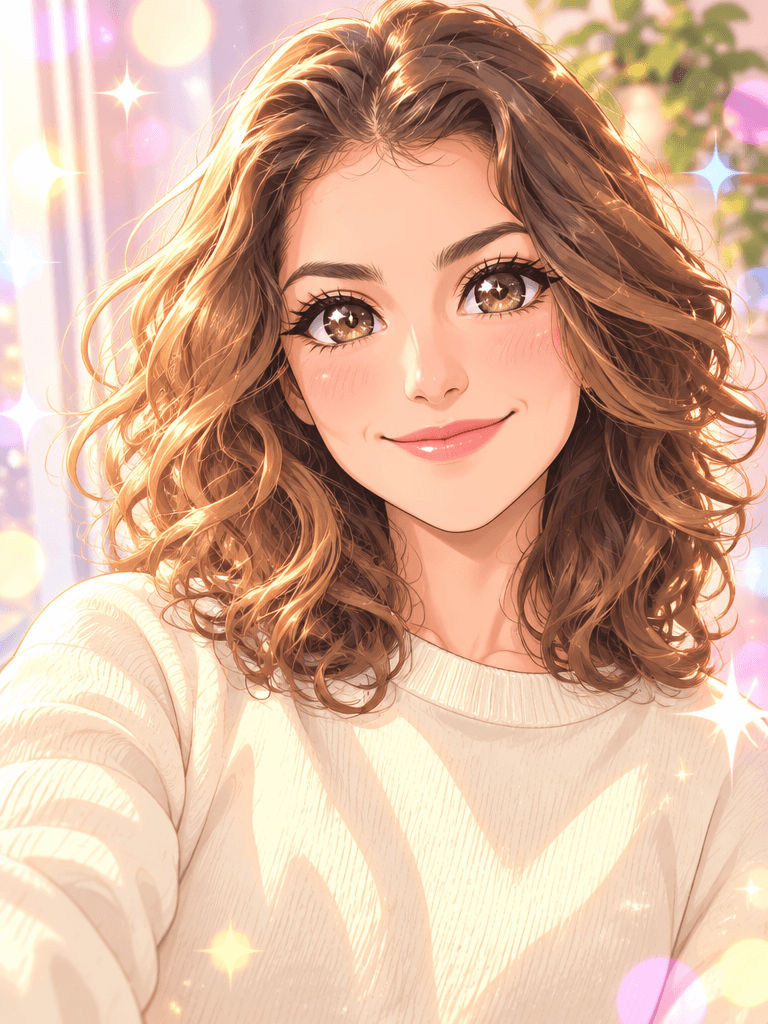
How 16-Bit Pixel Art works
STEP 1
Upload
Add your portrait — drag & drop or click to browse.
STEP 2
Generate
Our AI applies 16-Bit Pixel Art automatically in seconds.
STEP 3
Download
Save your result in high resolution or share it instantly.
Why creators use 16-Bit Pixel Art
Studio-quality output
Crisp, high-resolution results — not blurry filter effects.
True to your photo
Keeps your subject recognizable, no weird distortions.
Ready in seconds
No editing skills, no software, no waiting around.
Free to try
Get free credits on signup — no credit card required.
Perfect for
Frequently asked questions
How pixelated is it?
Very. It uses large visible square pixels on roughly a 64 by 85 grid, a limited 32-colour palette and hard edges, like a 16-bit console sprite.
Will it look like me?
At this resolution it keeps your hairstyle, hair colour, face shape and outfit — the things that make a sprite recognisable.
Can I use it as an avatar?
Yes. The square-pixel look works well as a profile picture or gaming avatar.