
AI People Remover
Remove tourists, photobombers, strangers from your travel photos. AI keeps the background intact. Perfect for landmarks and landscapes.
What can you create with AI People Remover?
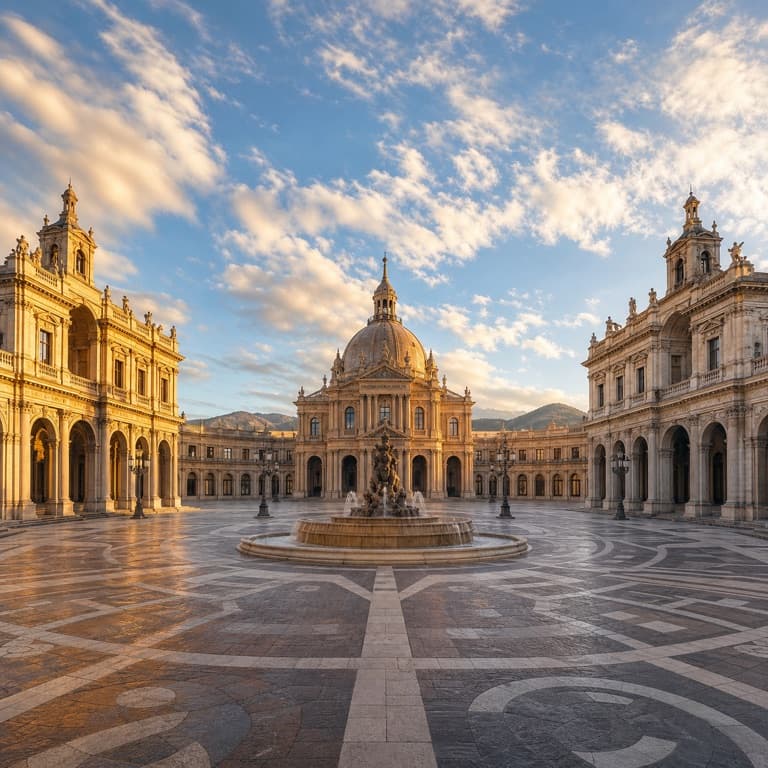
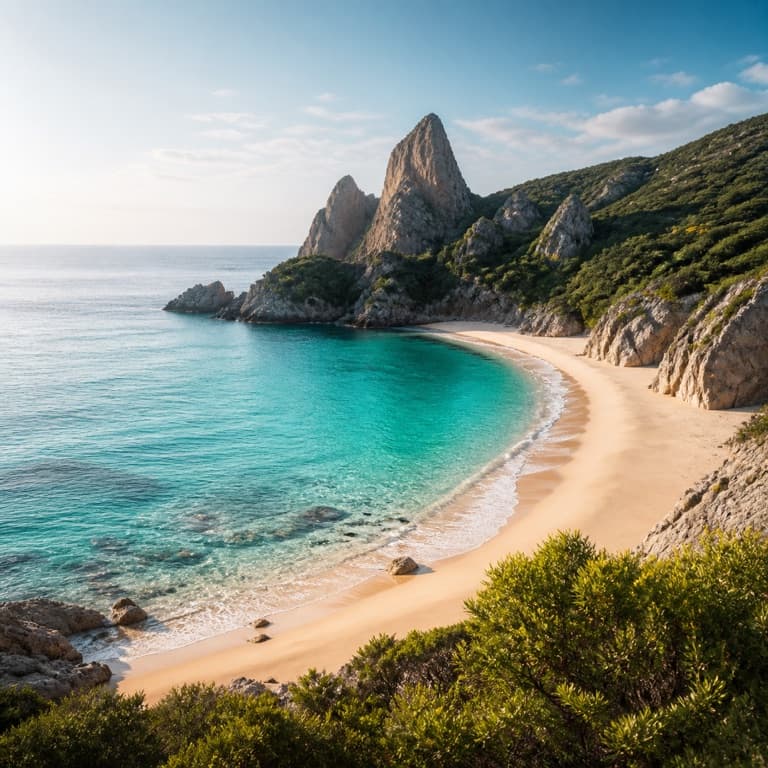
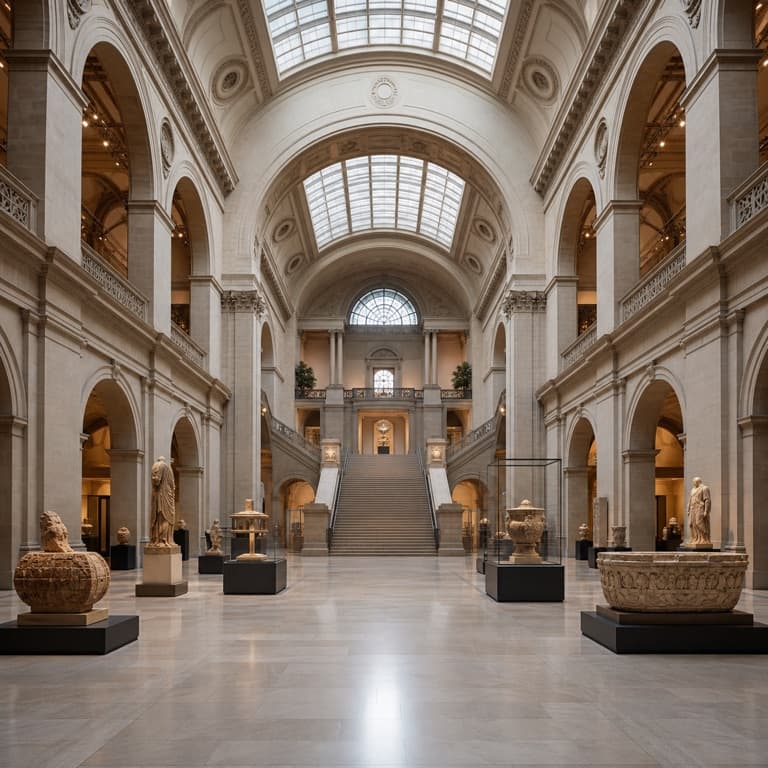
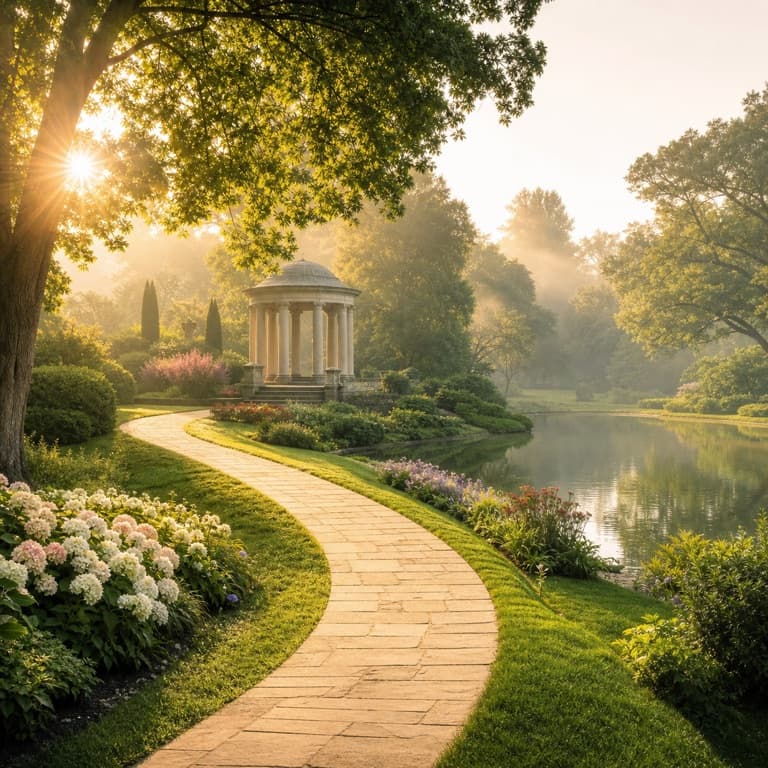
AI people remover from photo
Strangers ruin landscape and architecture photos. SoonMaker's people-remover identifies humans automatically and erases them with proper context-aware fill. The Eiffel Tower without the crowd, the Grand Canyon without the tourists, the museum without the school group. Free, no sign up.
Remove tourists from travel photo
Remove tourists from travel photo handles common cases: a famous landmark with too many people in front, a beach photo with strangers in the background, a museum interior with other visitors. SoonMaker distinguishes the subject (you and your group) from background humans and removes only the strangers.
Photobomber remover AI
Photobomber remover handles the mid-shot ruined photo: someone walked through your group photo, made a face, or photobombed deliberately. SoonMaker identifies the unwanted person and erases them while preserving everyone else. Useful when retaking the photo isn't possible (you already left the location).
How to use AI People Remover
- 1Sign in (free)
Create a SoonMaker account in one click with Google. You'll get free credits immediately — no card required.
- 2Upload the image you want to fix
Drop in the photo you want to run through AI People Remover. You don't need any editing skills — there are no layers or masks to set up.
- 3Let the AI process it, then download
The AI does the work automatically. Compare it against your original and download the finished file.