
AI Pixel Art Generator
Generate retro pixel art in 8-bit, 16-bit, 32-bit styles. Perfect for indie game assets, NFT collections, social avatars. Free preview.
 Try 16-Bit Pixel ArtUpload a photo — ready in seconds
What can you create with AI Pixel Art Generator?
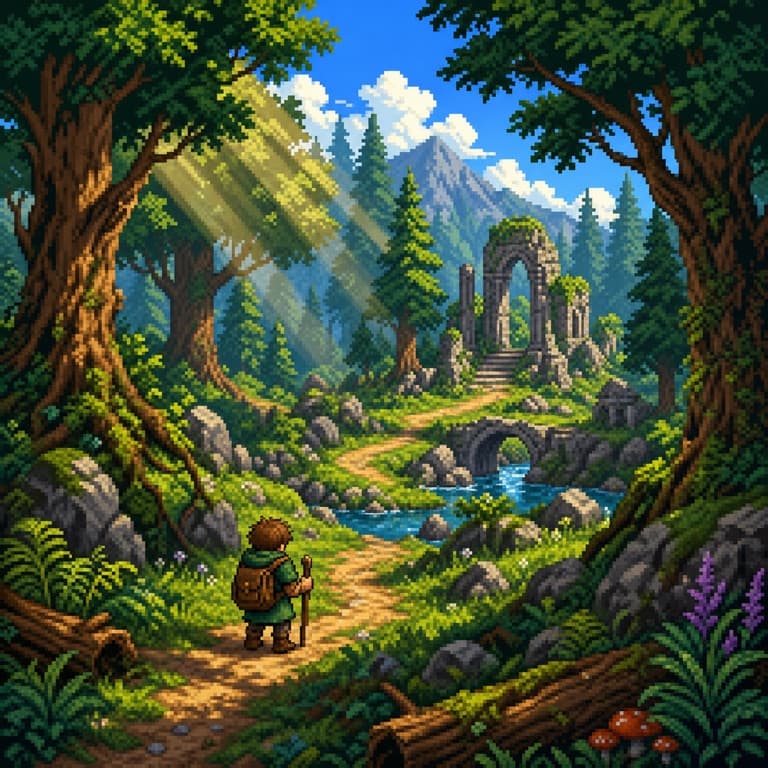
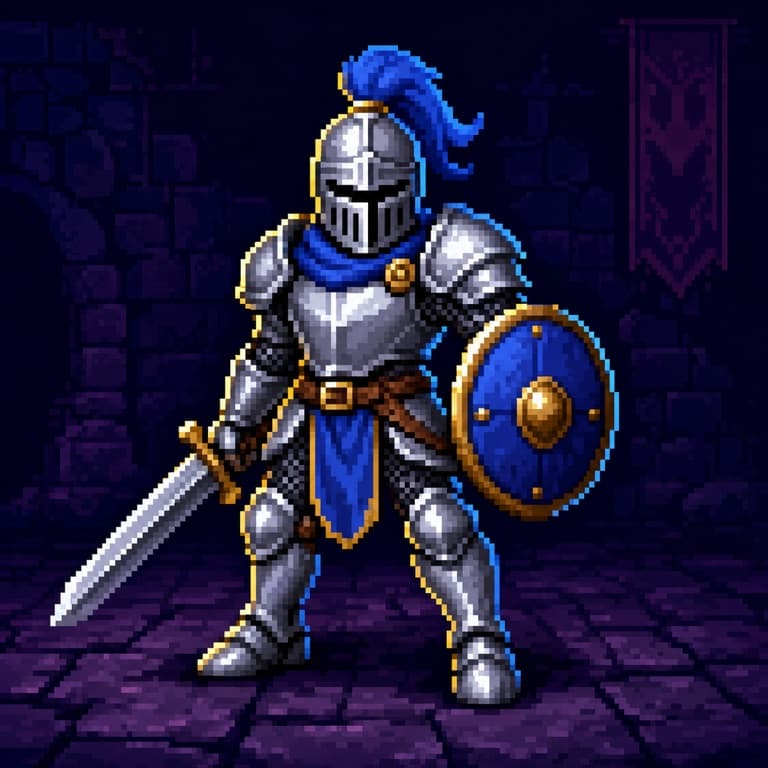
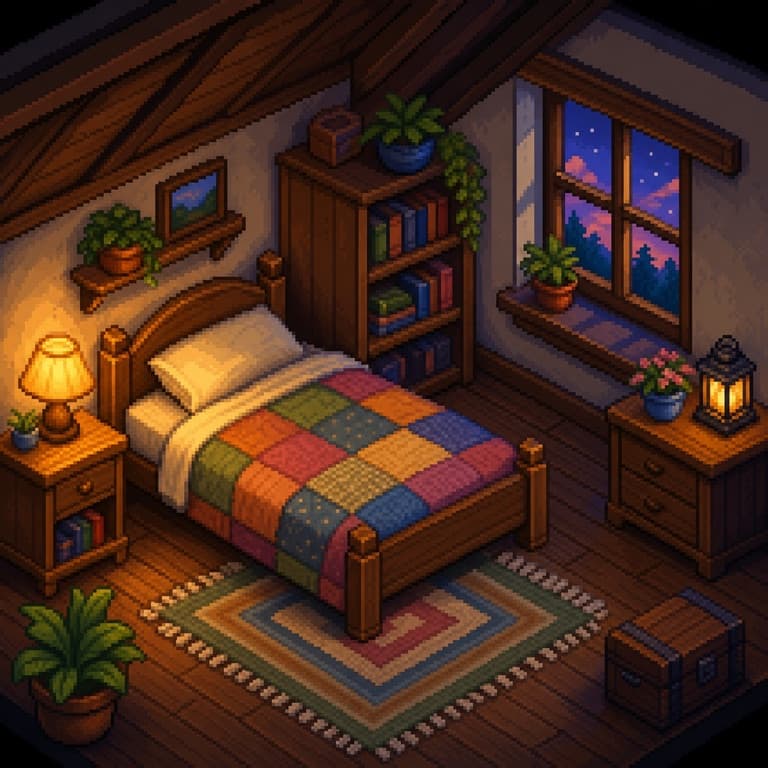
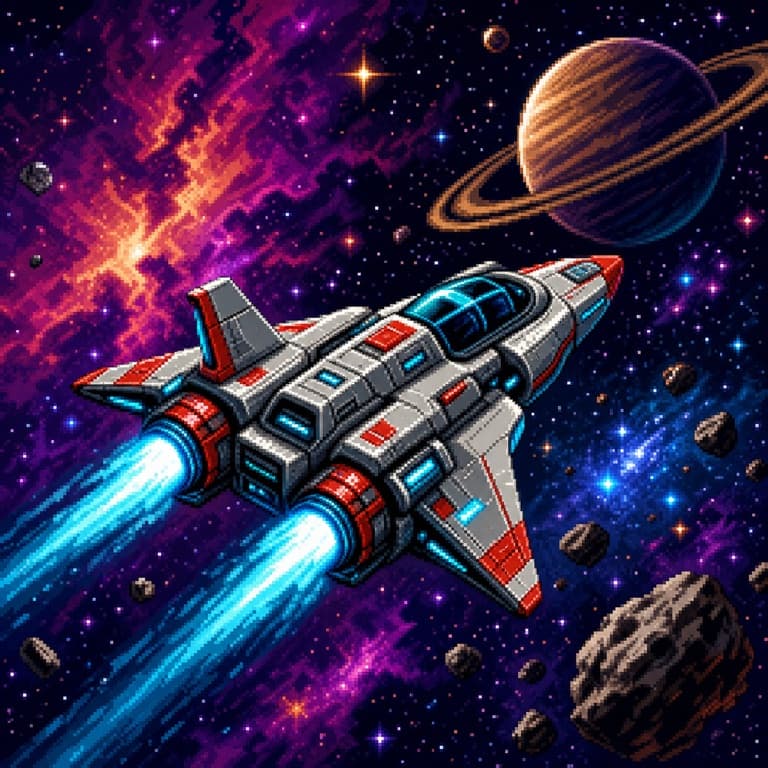
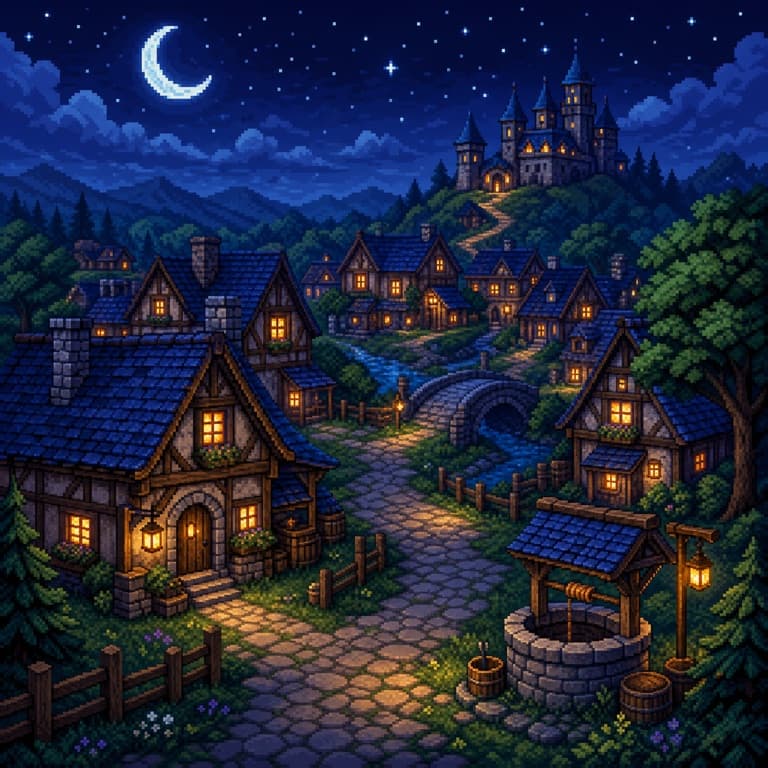
AI pixel art from photo
SoonMaker converts photos to pixel art preserving silhouette readability and key feature placement. Skin gets quantized to 4-6 representative shades, edges get aliased properly for retro displays, and the result looks like an actual game sprite — not a downscaled photo. Output as transparent PNG ready to import into game engines.
8-bit / 16-bit pixel art generator
Choose 8-bit (chunkier, NES/Game Boy aesthetic), 16-bit (richer color, SNES/Genesis vibe), or 32-bit (smoother gradients, PSX/Saturn era). Each preset uses a historically accurate palette and pixel grid. Authentic enough that retro game communities accept the outputs as legit pixel art rather than dismissing them as filter-generated.
Pixel art for indie game development
Indie devs use SoonMaker to draft NPC sprites, item icons, and UI portraits during prototyping — much faster than commissioning a pixel artist for placeholder work. The AI outputs sprite sheets at common indie-game resolutions (32x32, 64x64, 128x128) with consistent palette across the set, so swapping in real artist work later is a clean migration.
How to use AI Pixel Art Generator
- 1Sign in (free)
Create a SoonMaker account in one click with Google. You'll get free credits immediately — no card required.
- 2Describe the image you want
Type a prompt — subject, setting, lighting, and style. You can also start from one of the example prompts and edit it.
- 3Generate and refine
Hit Generate, then tweak the wording and run it again until it matches what you pictured. Download the high-resolution result.