
AI Portrait Generator
Turn any selfie into a professional portrait in 8 styles: corporate, editorial, fashion, vintage. Free preview, no sign up. Powered by GPT Image 2.
What can you create with AI Portrait Generator?
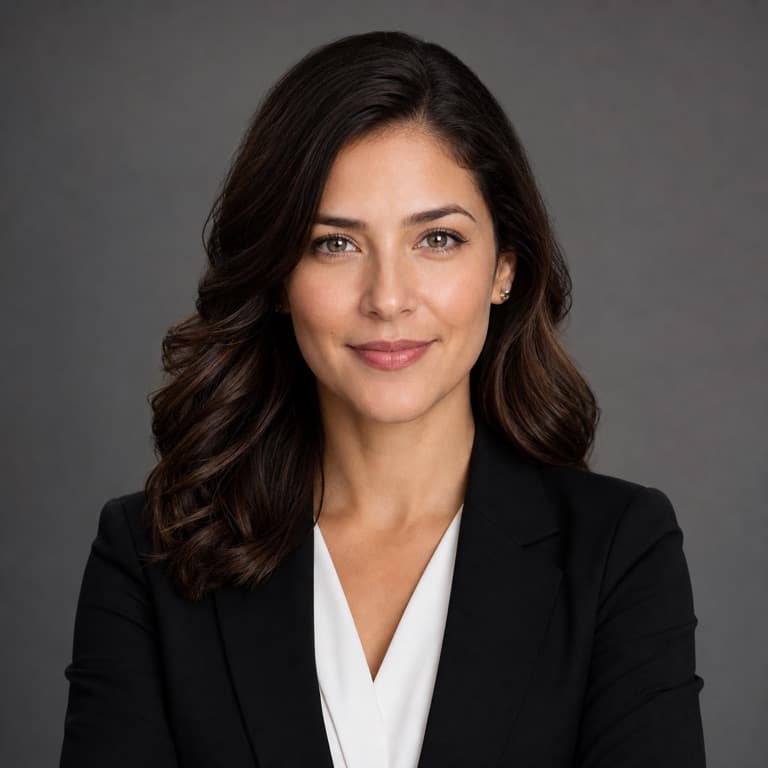
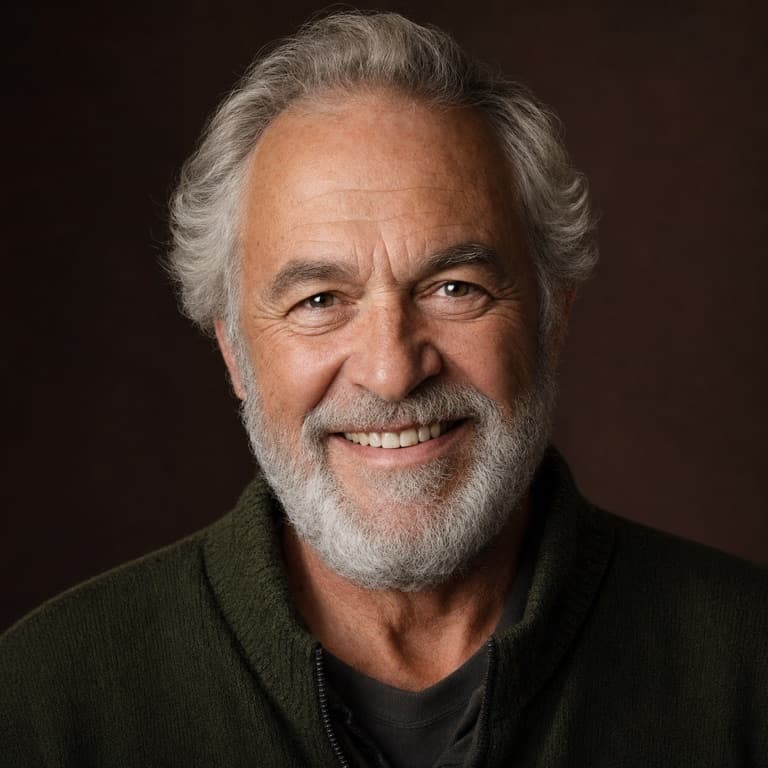
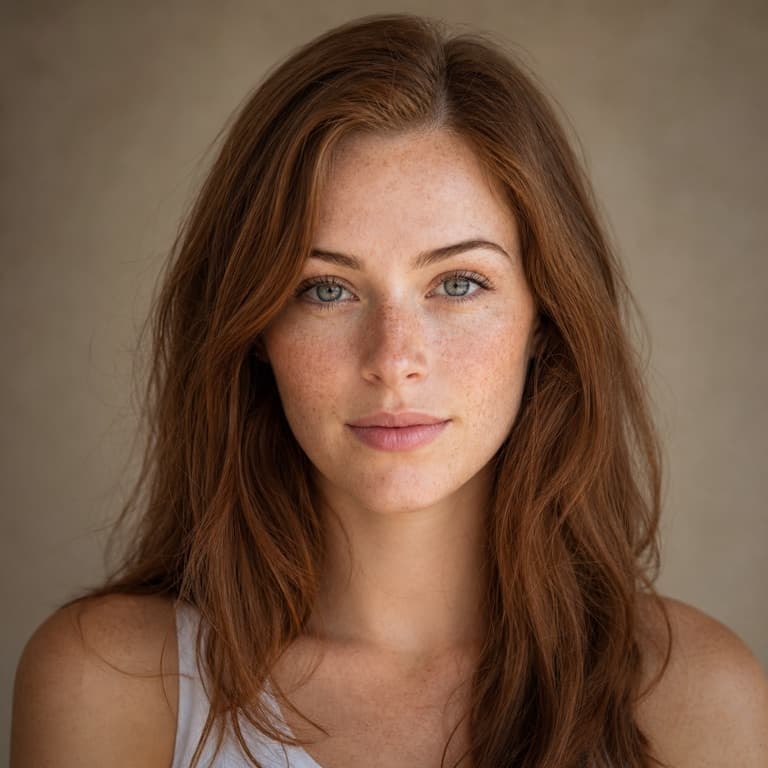
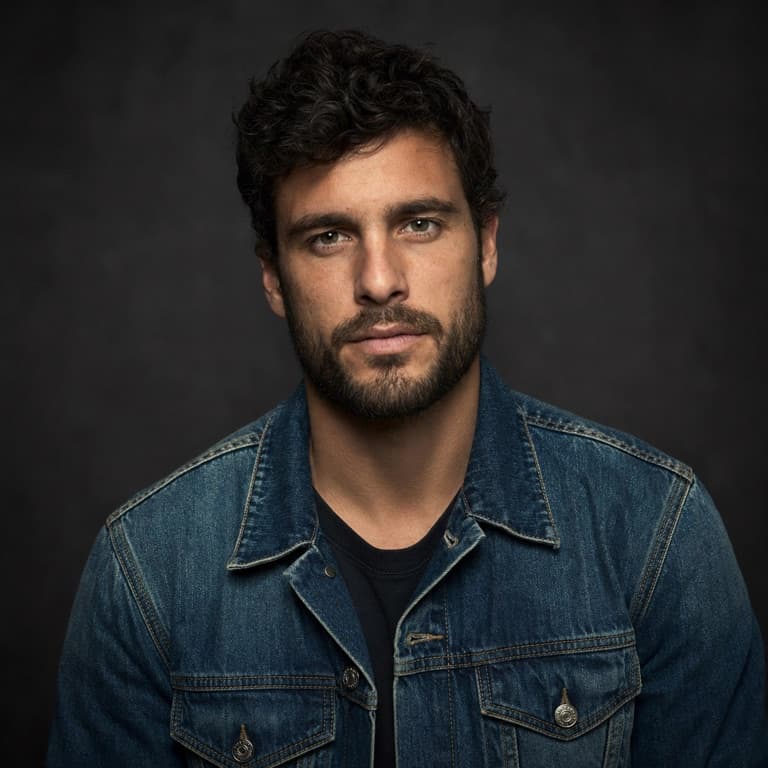
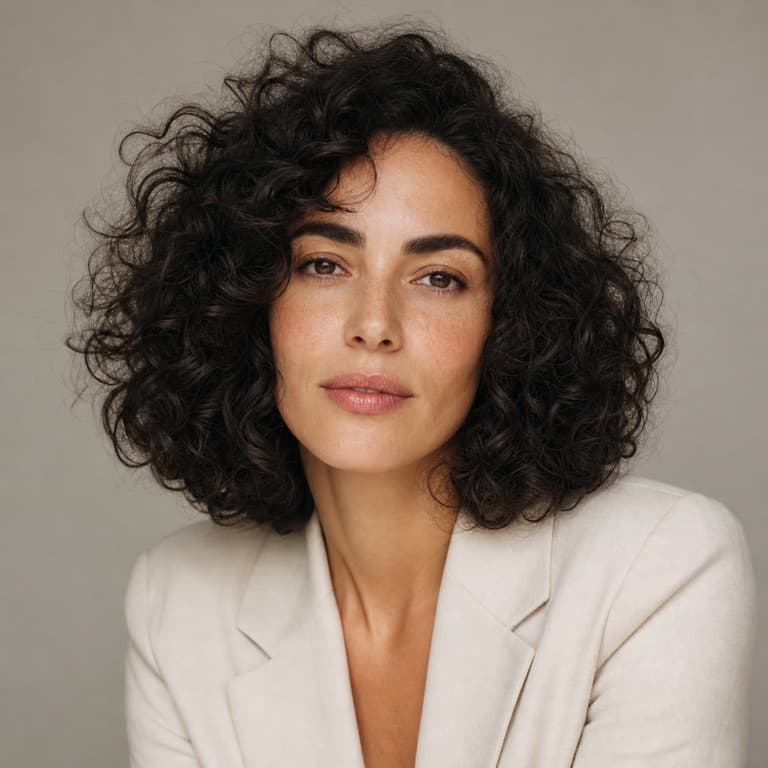
AI portrait generator from photo
Upload a single selfie and SoonMaker generates a polished portrait with proper studio lighting, color-correct skin tones, and a clean background. The original photo can be a casual phone shot — the AI handles framing, retouching, and depth-of-field automatically. Most users get a usable result on the first try without any prompt tweaking.
Professional portrait styles available
Choose from corporate headshot, editorial fashion, vintage film, modern minimalist, dramatic noir, soft natural light, glamour magazine, or candid lifestyle. Each style applies a complete look — wardrobe, lighting, color grade, and pose energy — rather than just a filter. Switch styles in seconds without re-uploading.
AI portrait for LinkedIn, dating profile, social media
Recruiters spend an average of 7 seconds on a profile photo before deciding whether to read further. A portrait that looks intentional rather than improvised dramatically increases response rates. The same image works on dating apps where the perceived effort signals self-investment, and on Instagram where consistent visual identity grows follower trust.
Portrait orientation: 9:16, 1:1, 4:5
SoonMaker outputs in standard portrait ratios automatically: 9:16 for Instagram Stories and TikTok profile, 1:1 for Twitter and LinkedIn, and 4:5 for Instagram feed. You don't have to crop afterward or worry about face placement — the AI keeps the head and shoulders correctly framed for whichever ratio you pick.
How to use AI Portrait Generator
- 1Sign in (free)
Create a SoonMaker account in one click with Google. You'll get free credits immediately — no card required.
- 2Describe the image you want
Type a prompt — subject, setting, lighting, and style. You can also start from one of the example prompts and edit it.
- 3Generate and refine
Hit Generate, then tweak the wording and run it again until it matches what you pictured. Download the high-resolution result.