
Unblur Image AI
Sharpen blurry photos automatically. Camera shake, motion blur, focus issues — AI fixes them all. Free preview, instant download.
What can you create with Unblur Image AI?
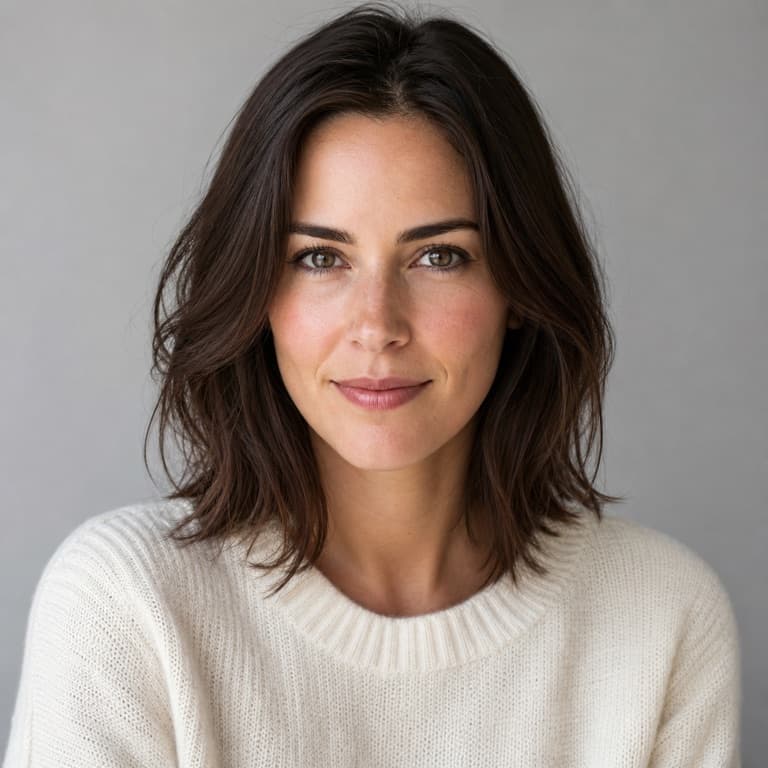
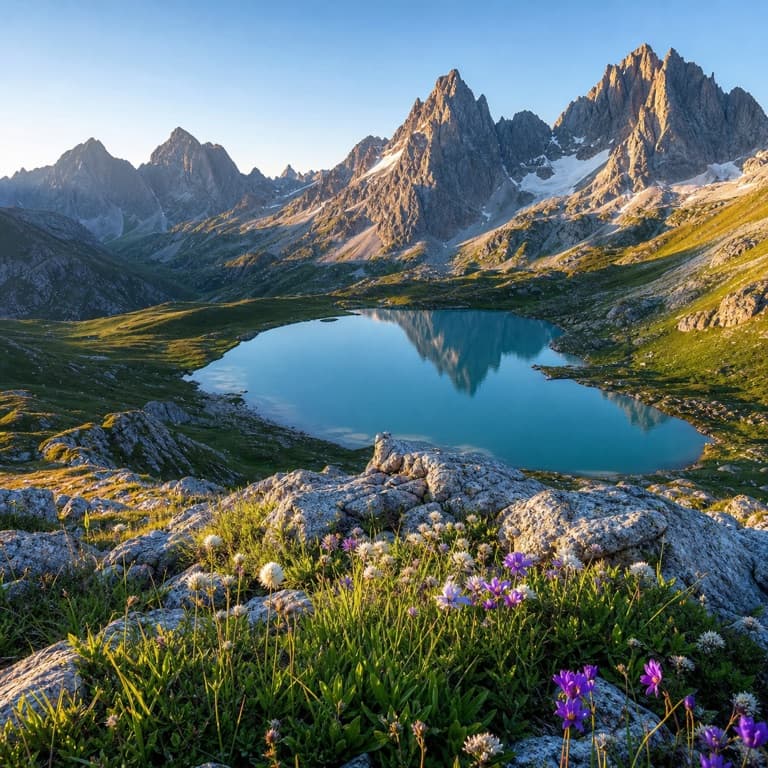
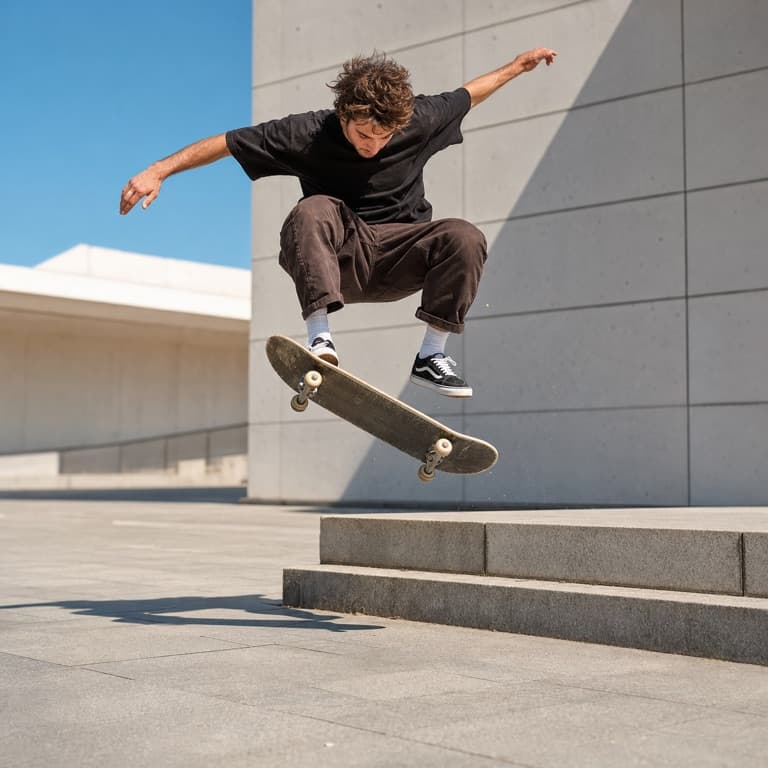
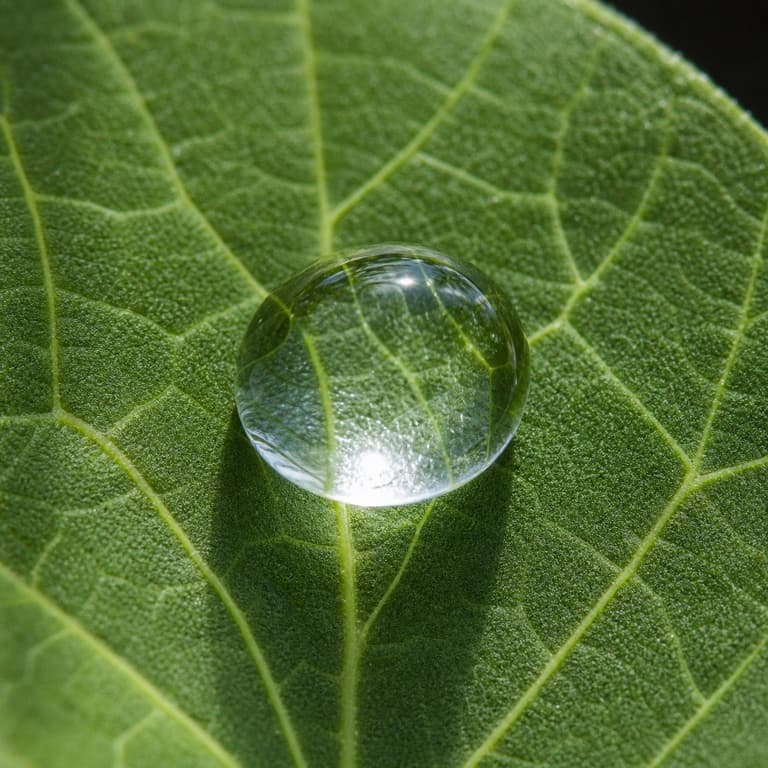
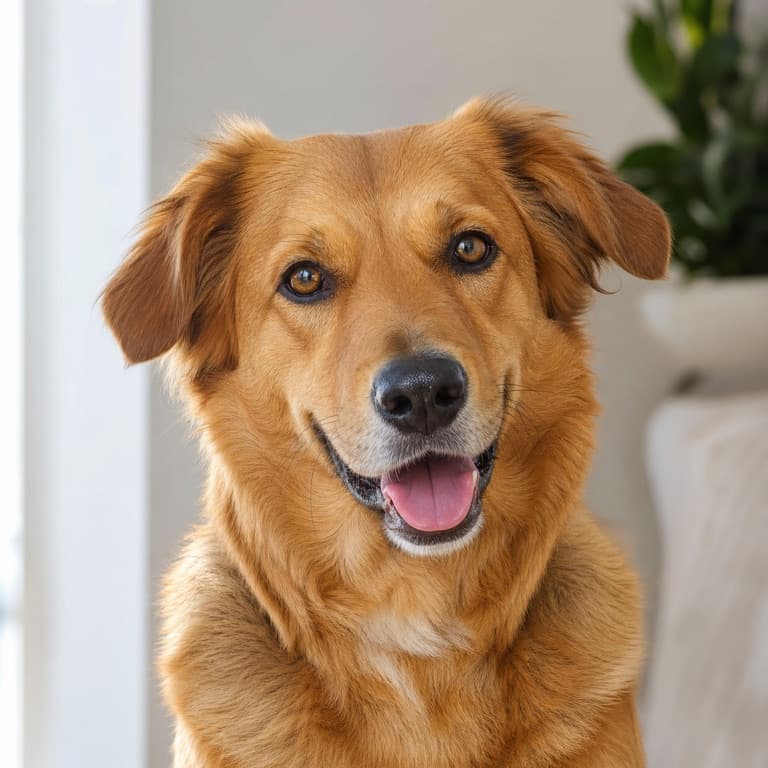
Unblur image online free
SoonMaker's unblur engine handles motion blur, camera shake, focus issues, and downsampling artifacts. The AI distinguishes between different blur types — motion blur stretches detail in one direction, focus blur softens uniformly, downsampling loses pixel detail — and applies the appropriate inverse correction for each.
Fix blurry photo AI
Fix blurry photo AI handles the cases where you took a great photo at the wrong moment: kid mid-jump and motion-blurred, low-light shot with hand shake, sports moment caught at the wrong shutter speed. SoonMaker recovers usable detail from these almost-good photos that you'd otherwise discard.
Motion blur remover AI
Motion blur remover specifically handles directional blur — the kind you get when subject or camera moved during exposure. The AI knows which direction the blur happened and applies inverse correction along that vector. Result: detail comes back where naive sharpening would just add noise across the whole image.
How to use Unblur Image AI
- 1Sign in (free)
Create a SoonMaker account in one click with Google. You'll get free credits immediately — no card required.
- 2Upload the image you want to fix
Drop in the photo you want to run through Unblur Image AI. You don't need any editing skills — there are no layers or masks to set up.
- 3Let the AI process it, then download
The AI does the work automatically. Compare it against your original and download the finished file.