
AI Face Enhancer
Restore facial detail in old, blurry, or low-resolution photos. AI specializes in facial features. Free preview, perfect for family photos.
What can you create with AI Face Enhancer?
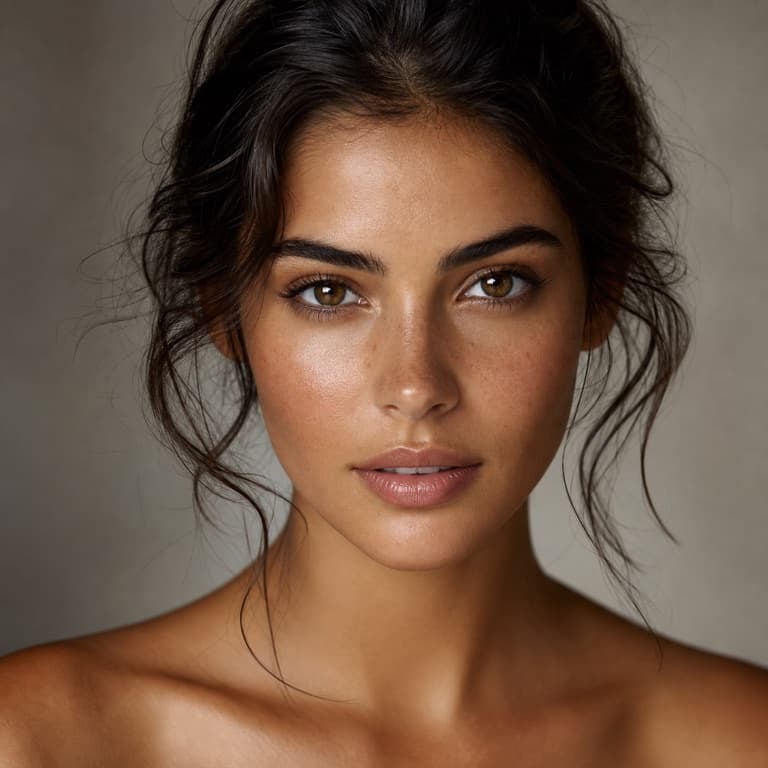
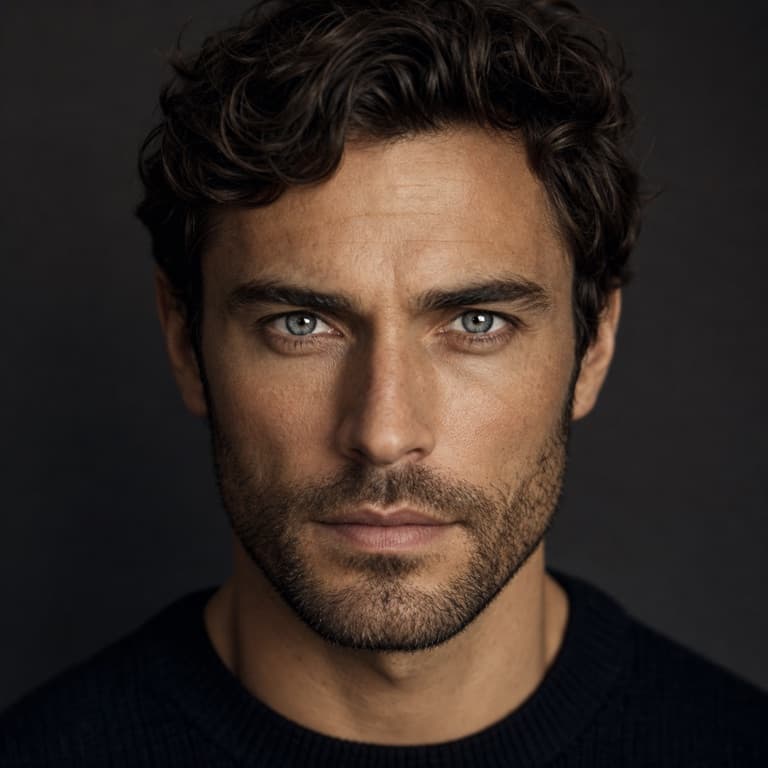
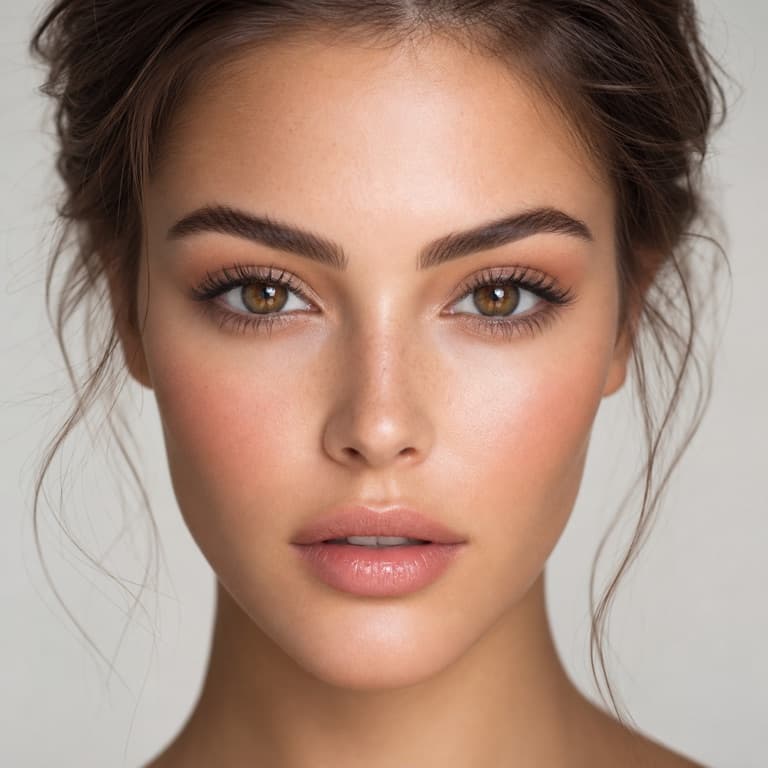
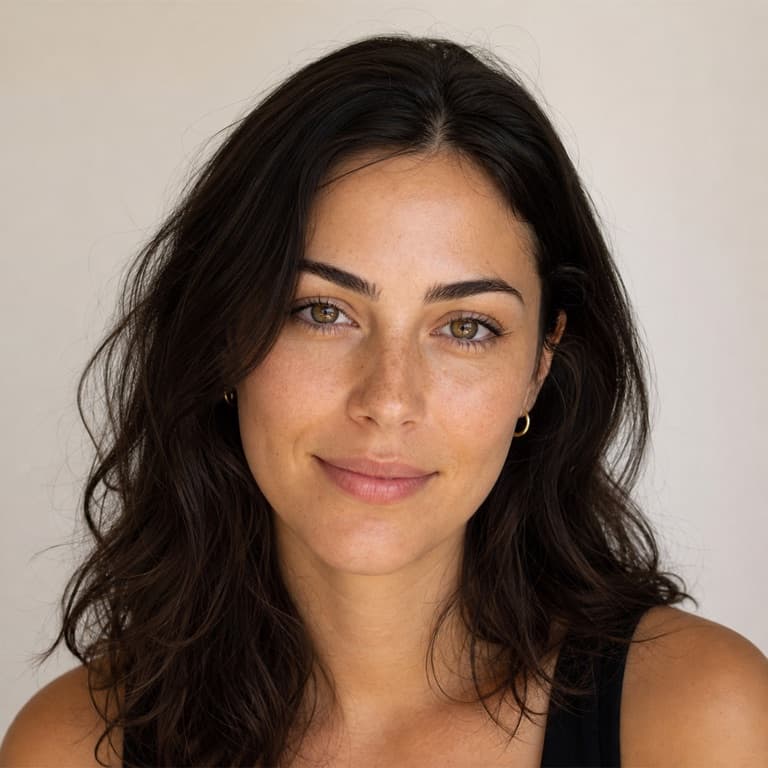
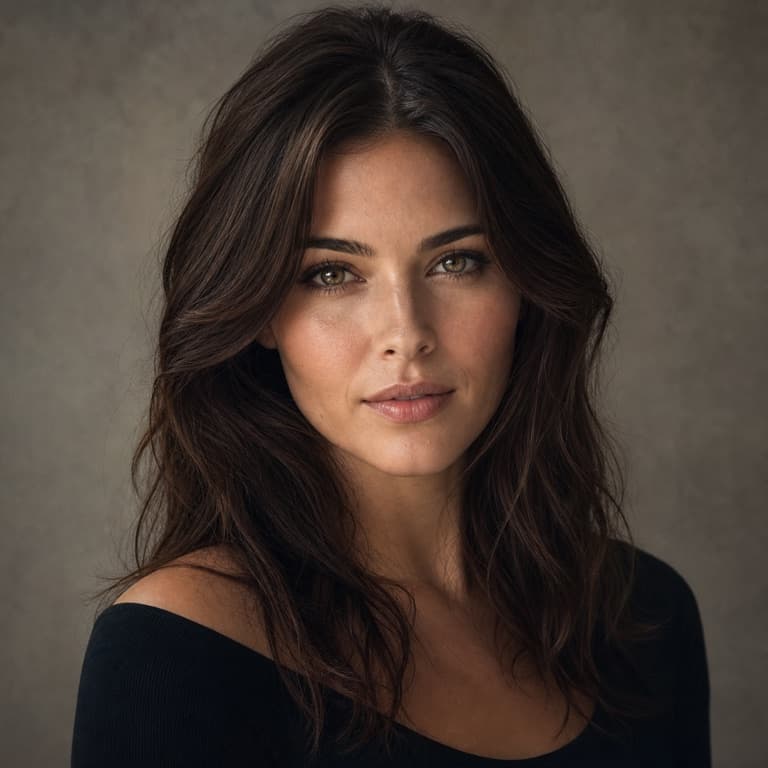
AI face enhancer for old photos
SoonMaker's face enhancer specializes in restoring facial detail in old, blurry, or low-resolution photos. The AI was trained specifically on face enhancement — it understands eye structure, lip shape, nose anatomy, hair textures — and applies improvements that respect rather than override these features. Use on family photo archives.
Sharpen face in blurry photo
Sharpen face in blurry photo handles common scenarios: a photo where the camera was focused on the wrong subject and your face is soft, a photo from far away that's been cropped tight (introducing pixelation), or an old photo where film grain has obscured features. SoonMaker recovers feature detail without introducing uncanny valley artifacts.
Restore facial features AI
Restore facial features AI works on photos where someone's face is recognizable but lacks detail — old wedding photos, distant action shots, low-res social media downloads. The AI brings back eye color, skin texture, hair detail, expression nuance. Output looks like a properly-shot photo rather than a digitally enhanced one.
How to use AI Face Enhancer
- 1Sign in (free)
Create a SoonMaker account in one click with Google. You'll get free credits immediately — no card required.
- 2Upload the image you want to fix
Drop in the photo you want to run through AI Face Enhancer. You don't need any editing skills — there are no layers or masks to set up.
- 3Let the AI process it, then download
The AI does the work automatically. Compare it against your original and download the finished file.