
AI Sketch Generator
Transform any photo into hand-drawn pencil sketch, charcoal drawing, or ink illustration. Free, instant, no sign up. Multiple styles available.
What can you create with AI Sketch Generator?
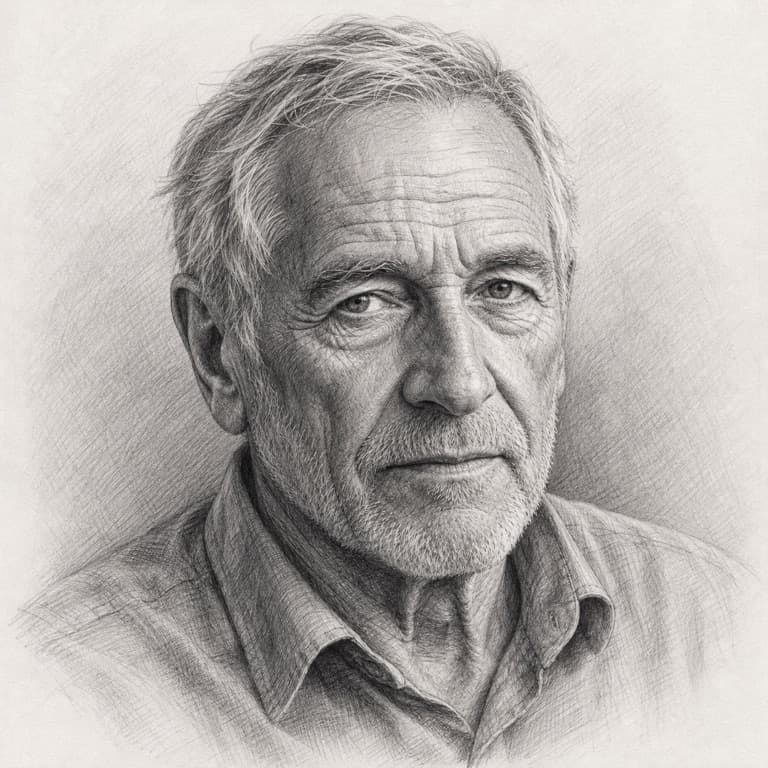
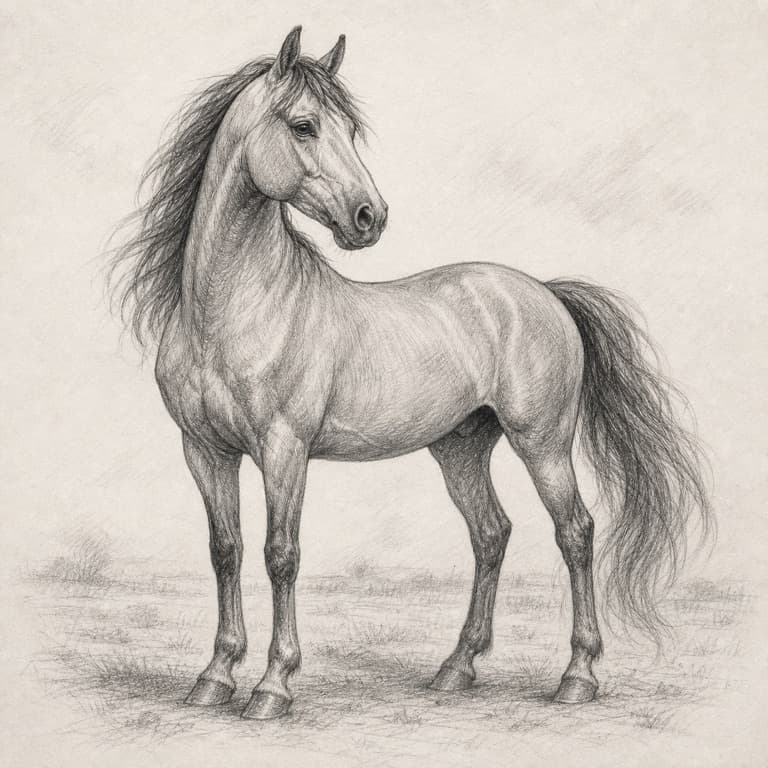
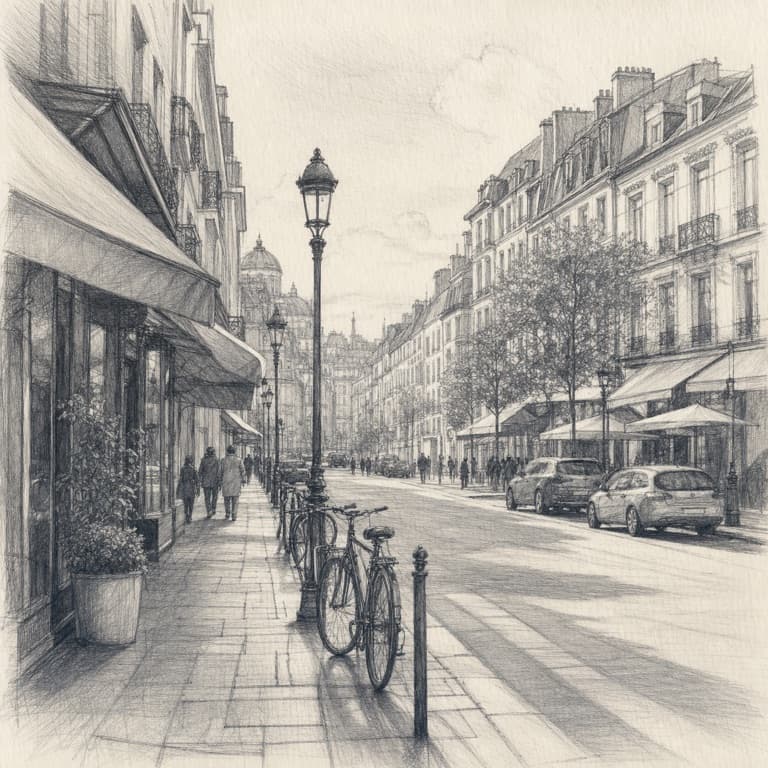
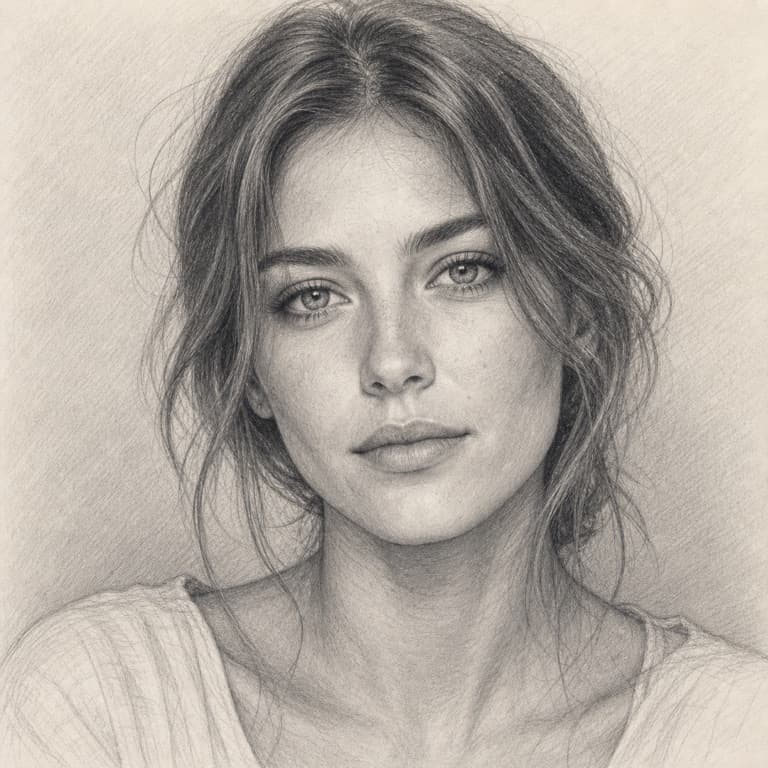
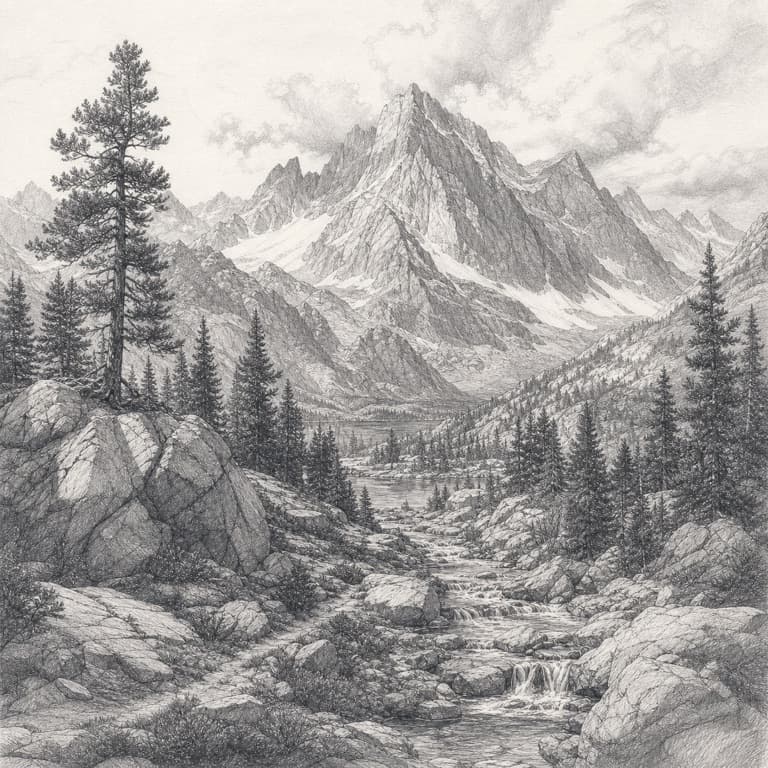
Photo to pencil sketch converter
SoonMaker's sketch generator interprets your photo as if drawn by a human artist with a pencil — preserving subject likeness while abstracting tonal regions into graphite shading and contour lines. Output looks hand-drawn, not photo-filtered. Save as PNG to print on heavy paper for gifts, or use as a base for further digital illustration.
Charcoal sketch AI from photo
Charcoal mode produces deeper blacks, smudgy mid-tones, and rougher textures than pencil — closer to fine-art portraiture than quick sketching. The AI mimics charcoal's smear behavior so darker areas feel weighted. Best for dramatic portraits, mood pieces, or as reference material for traditional artists studying value structure.
Line art sketch generator
Line art mode strips photos down to clean contour lines on white — perfect for coloring books, tattoo design references, embroidery patterns, laser-cut wood projects, or vector tracing. No tonal information, no shading; just the structural lineart suitable for any downstream creative use that starts from outlines.
How to use AI Sketch Generator
- 1Sign in (free)
Create a SoonMaker account in one click with Google. You'll get free credits immediately — no card required.
- 2Describe the image you want
Type a prompt — subject, setting, lighting, and style. You can also start from one of the example prompts and edit it.
- 3Generate and refine
Hit Generate, then tweak the wording and run it again until it matches what you pictured. Download the high-resolution result.