
AI Tattoo Generator
Design your tattoo before getting inked. Traditional, fine line, geometric, watercolor, tribal styles. Couple tattoo matcher. Free preview.
What can you create with AI Tattoo Generator?
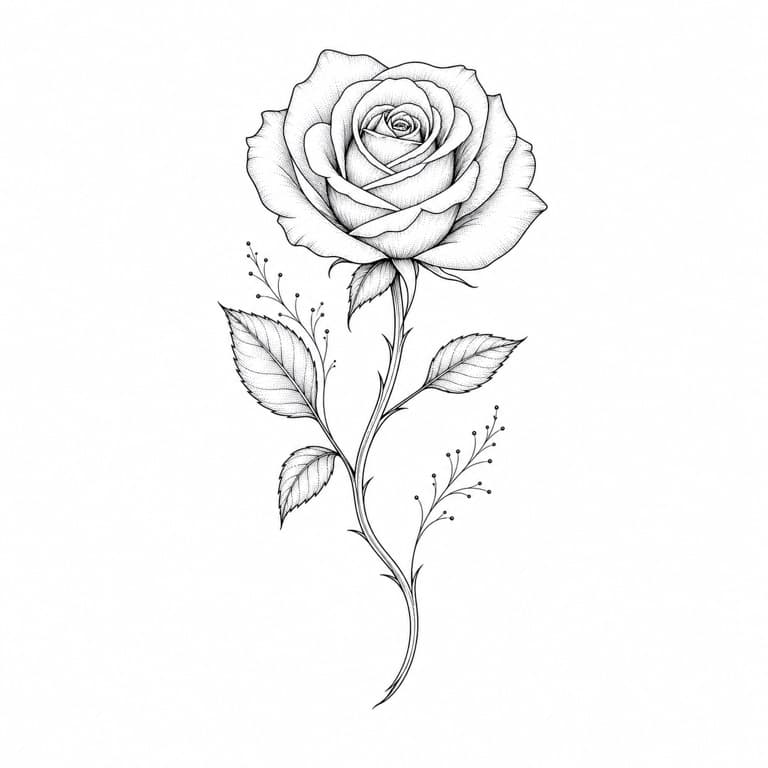
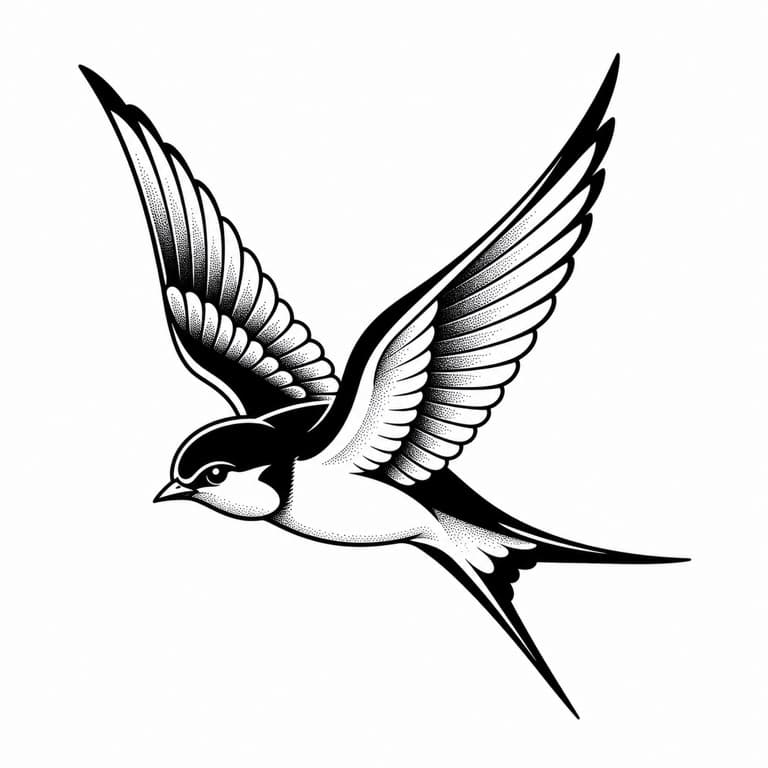
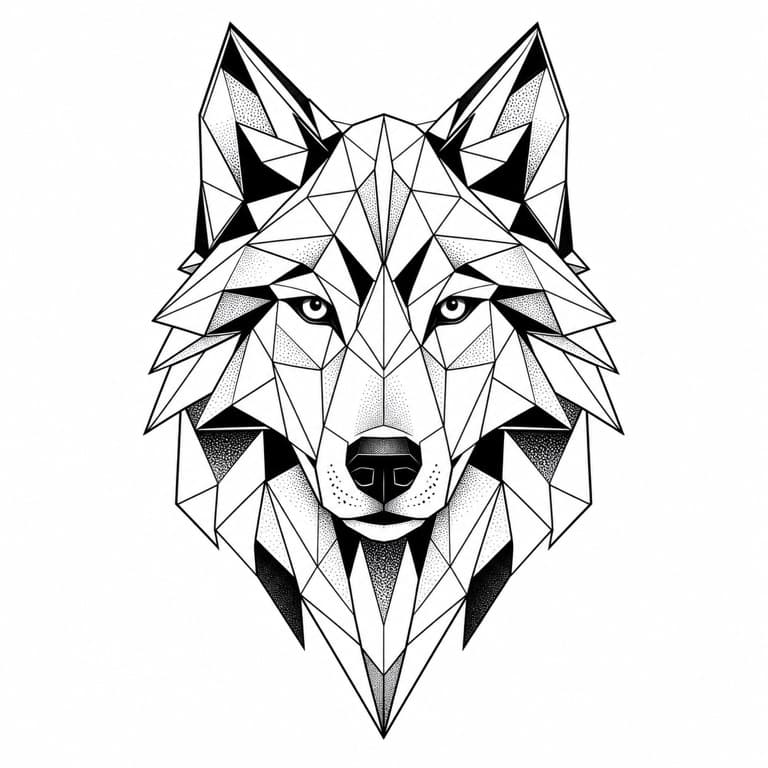
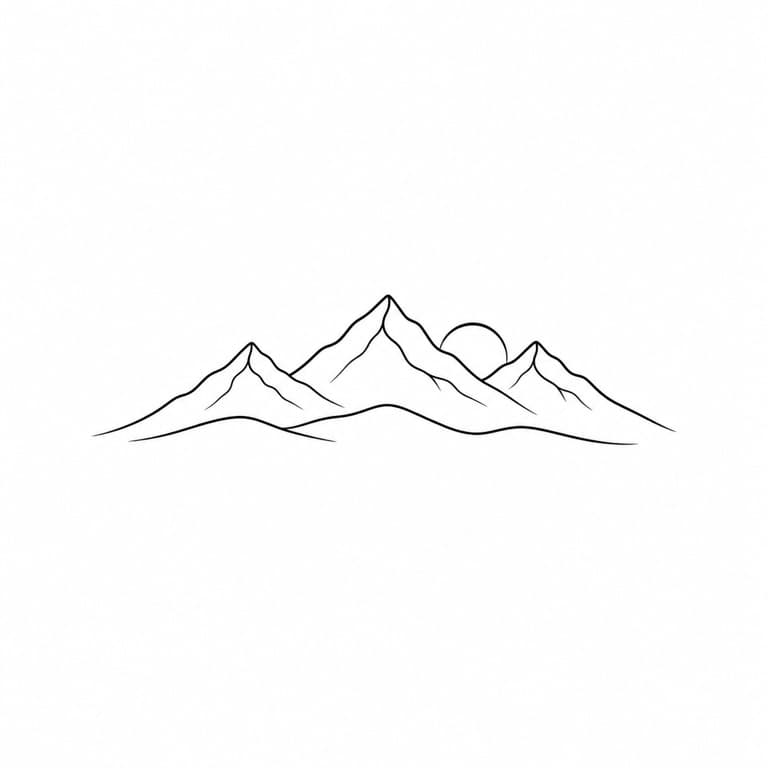
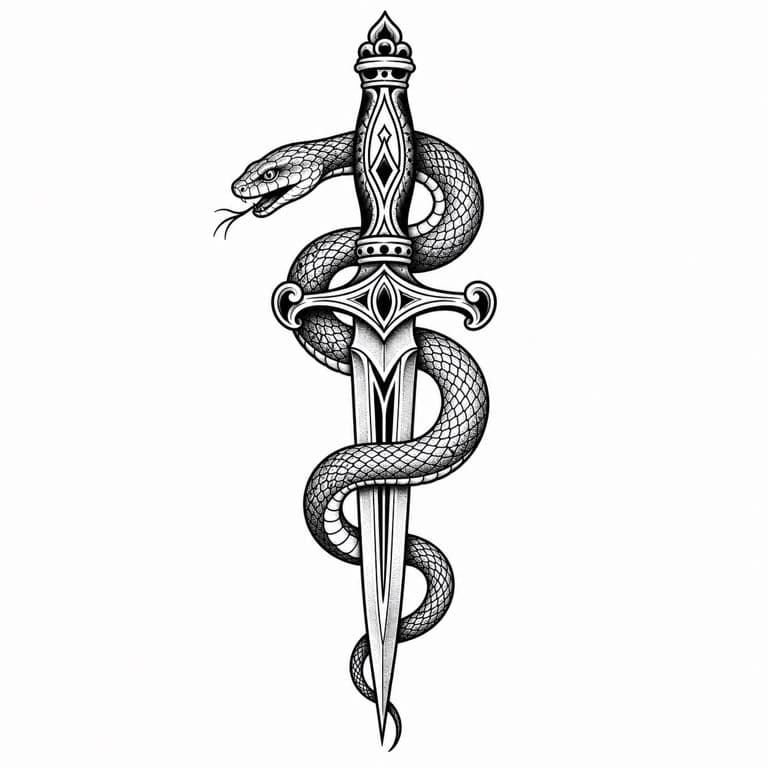
AI tattoo generator from text
SoonMaker generates custom tattoo designs from text descriptions or reference images. Style options include traditional American (bold lines, limited palette), fine line (delicate single-needle work), geometric (symmetrical pattern-based), watercolor (soft color with no outline), and tribal (bold black geometric). Preview before committing.
Couple matching tattoo AI
Couple matching tattoo AI generates complementary designs for two people: half-key/half-lock, sun/moon, opposite-symbolic pairs that work as standalone tattoos but read as related when seen together. Useful for couples planning matching tattoos, friendship tattoos, or family tattoos.
AI sleeve tattoo design generator
AI sleeve tattoo design generator handles full-arm tattoo composition with proper visual flow from shoulder to wrist, related thematic elements throughout, and consideration for how the design wraps around the cylindrical limb. Useful as a starting point for actual tattoo planning conversations with a tattoo artist.
How to use AI Tattoo Generator
- 1Sign in (free)
Create a SoonMaker account in one click with Google. You'll get free credits immediately — no card required.
- 2Describe what you want to make
Type the subject and any style notes. Being specific — the mood, the colours, how detailed it should be — gets you closer on the first try.
- 3Generate and download
Run AI Tattoo Generator, regenerate until you're happy with the design, and download the high-resolution file.