
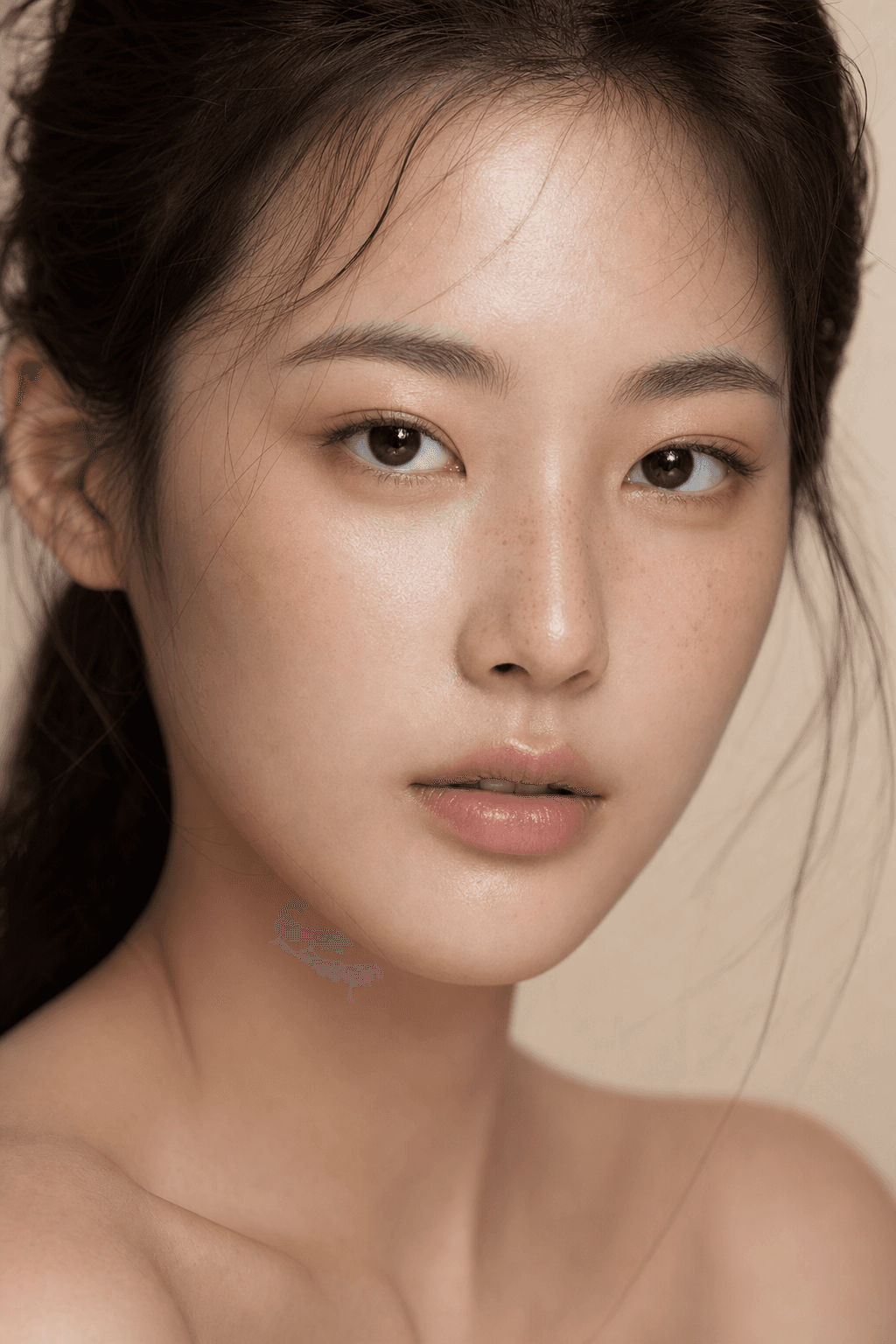
Skin Enhancer
Natural, realistic skin texture enhancement
More like this
View all






How Skin Enhancer works
STEP 1
Upload
Add your portrait photo — drag & drop or click to browse.
STEP 2
Generate
Our AI applies Skin Enhancer automatically in seconds.
STEP 3
Download
Save your result in high resolution or share it instantly.
Why creators use Skin Enhancer
Studio-quality output
Crisp, high-resolution results — not blurry filter effects.
True to your photo
Keeps your subject recognizable, no weird distortions.
Ready in seconds
No editing skills, no software, no waiting around.
Free to try
Get free credits on signup — no credit card required.
Perfect for
Frequently asked questions
Does AI skin enhancement look natural?
Yes, the AI is designed to enhance skin quality while maintaining a natural appearance. It reduces blemishes and evens skin tone without the plastic, over-smoothed look of traditional filters.
What types of skin issues can AI fix?
The AI can reduce acne, smooth uneven skin tone, minimize pores, and soften wrinkles while keeping your natural skin texture and features intact.